

Pertanyaan yang sering diajukan tentang Kestrel Ballistics Meters.
Cerita Terbaru
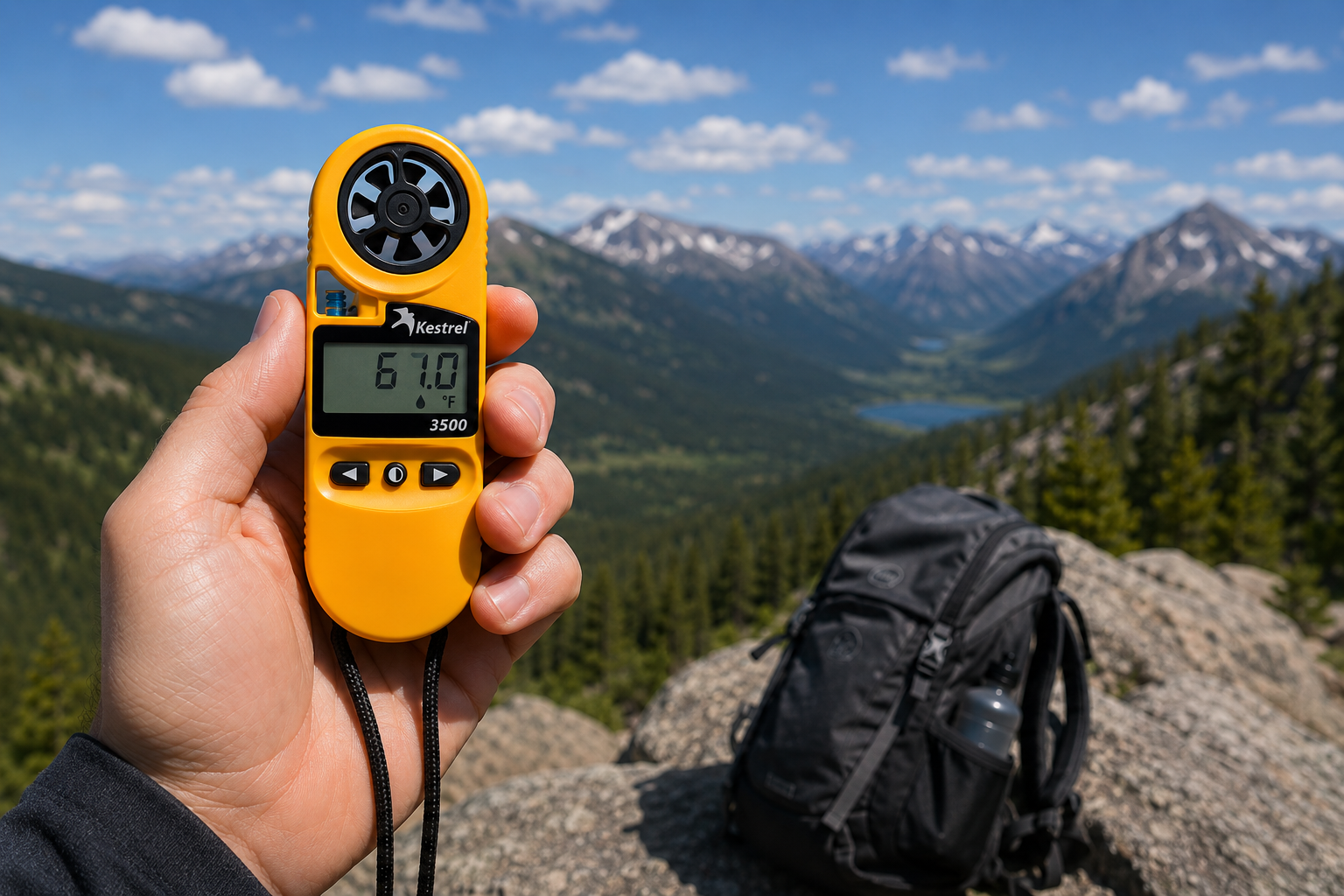
Kestrel 3500 Pocket Weather Meter: Alat Siap Lapangan yang Anda Cari
Kestrel 3500 Pocket Weather Meter mengukur kecepatan angin, suhu, kelembapan, tekanan, stres panas, dan dingin angin dalam alat yang tangguh, tahan air, dan dibuat di AS. Inilah alasan mengapa alat ini harus ada dalam perlengkapan lapangan Anda.
Baca selengkapnyatentang Kestrel 3500 Pocket Weather Meter: Alat Siap Lapangan yang Anda Cari
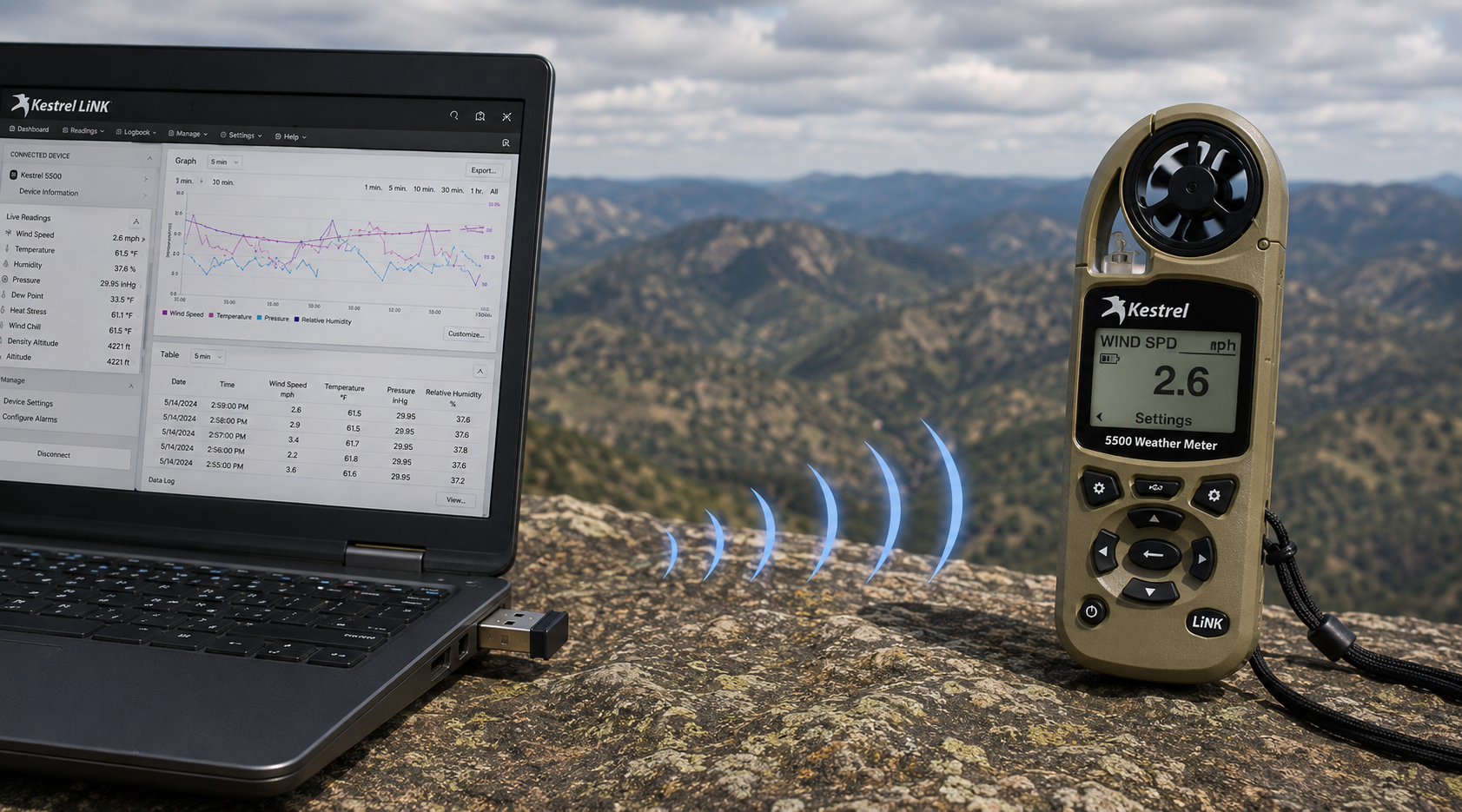
Kestrel LiNK Wireless USB Dongle – Fungsi dan Kapan Anda Membutuhkannya
Kestrel LiNK Wireless USB Dongle memungkinkan transfer data nirkabel dan pembaruan firmware antara meter Kestrel 5 Series LiNK dan PC Windows atau Mac Anda. Pelajari fungsinya, siapa yang membutuhkannya, dan bagaimana perangkat ini cocok dalam alur kerja data lapangan Anda.
Baca selengkapnyatentang Kestrel LiNK Wireless USB Dongle – Fungsi dan Kapan Anda Membutuhkannya
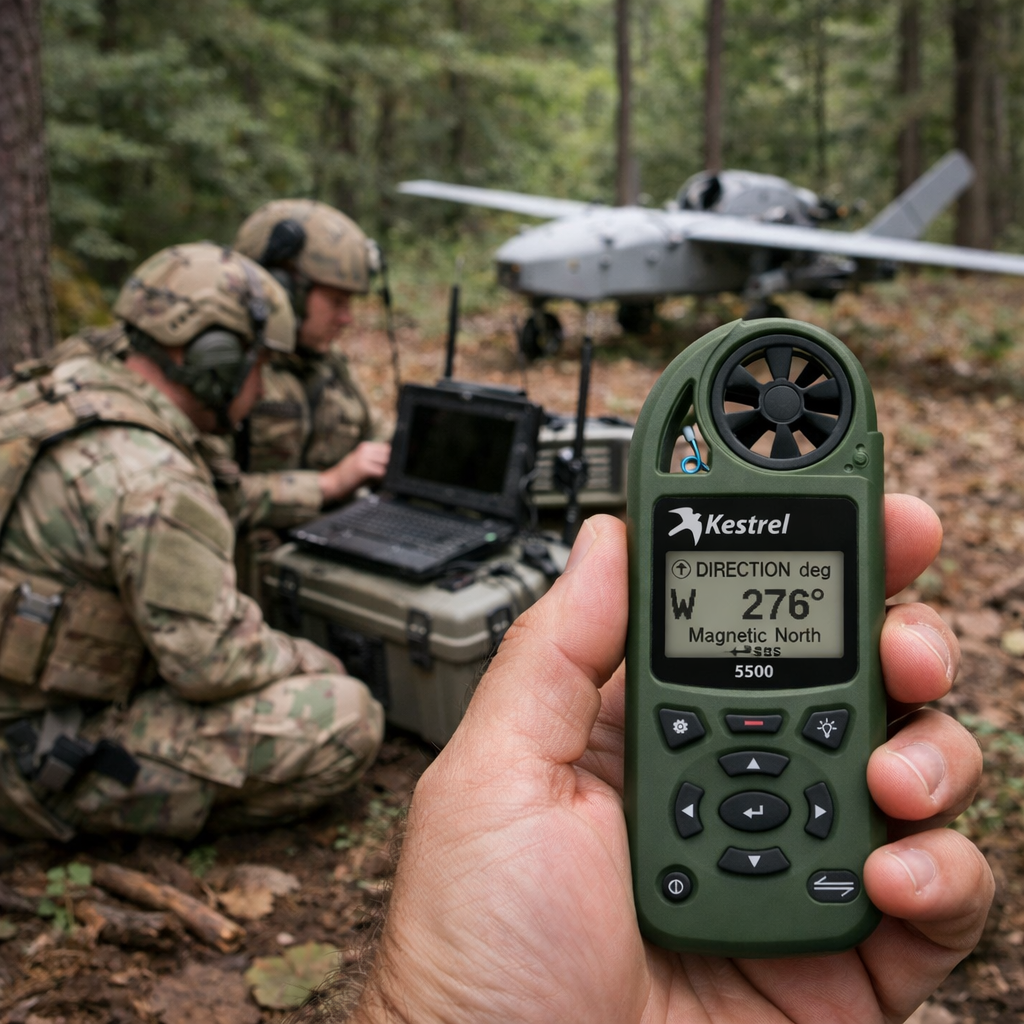
Kestrel 5500 Pengukur Cuaca: Pengganda Kekuatan untuk Operasi Drone Militer
Temukan bagaimana Kestrel 5500 Weather Meter memberikan keunggulan penting bagi unit drone militer — menyajikan data angin, ketinggian kerapatan, dan atmosfer secara real-time dalam perangkat yang tangguh dan siap digunakan di lapangan.
Baca selengkapnyatentang Kestrel 5500 Pengukur Cuaca: Pengganda Kekuatan untuk Operasi Drone Militer
Bagikan:
Tim dari Sekolah Dasar Adobe Bluffs menggunakan Kestrel 4500 untuk memenangkan Tantangan Global Lego League
Memahami Tekanan, Ketinggian, dan Ketinggian Kepadatan
9 komentar
Hi Walter,
You need to download the Kestrel LiNK Ballistics App on your iPhone or iPad for the the meter to make the connection. Open and connect through the app once it is installed. Just be sure you have Bluetooth turned on with your iPad and iPhone. You can also use the Kestrel LiNK app for iPhone / Pad but that app is just for environmental info so your meter can double as a portable weather station.
Kestrel LiNK Ballistics App: https://itunes.apple.com/us/app/kestrel-link-ballistics/id1059522399?mt=8
Kestrel LiNK App: https://itunes.apple.com/us/app/kestrel-link/id698732837?mt=8
Hi, I am having trouble getting my Kestrel Elite with Bluetooth LiNK to connect to my iPhone and iPad. Can you help?
Hi Jim,
Sorry your Horus will always be a Horus. Same for the Applied Ballistics. The meters are internally different and cannot be reprogrammed with different ballistics software though they can be upgraded to different versions of their own software.
I have a Kestrel 4500 with the Horus ballistic program with blue tooth. Can I have Kestrel reprogrammed to Applied Ballistics for a fee ?
Michael, You should be able to Pin to the Taskbar. I just did it with Kestrel Communicator on Windows 8.1. For the Gunloader, make sure the you are trying to pin the actual application file (.exe) file to the taskbar instead of a shortcut. Some people try and pin the shortcut to the taskbar and this is what doesn’t work. Thanks!