

Veelgestelde vragen over Kestrel Ballistics Meters.
Nieuwste verhalen
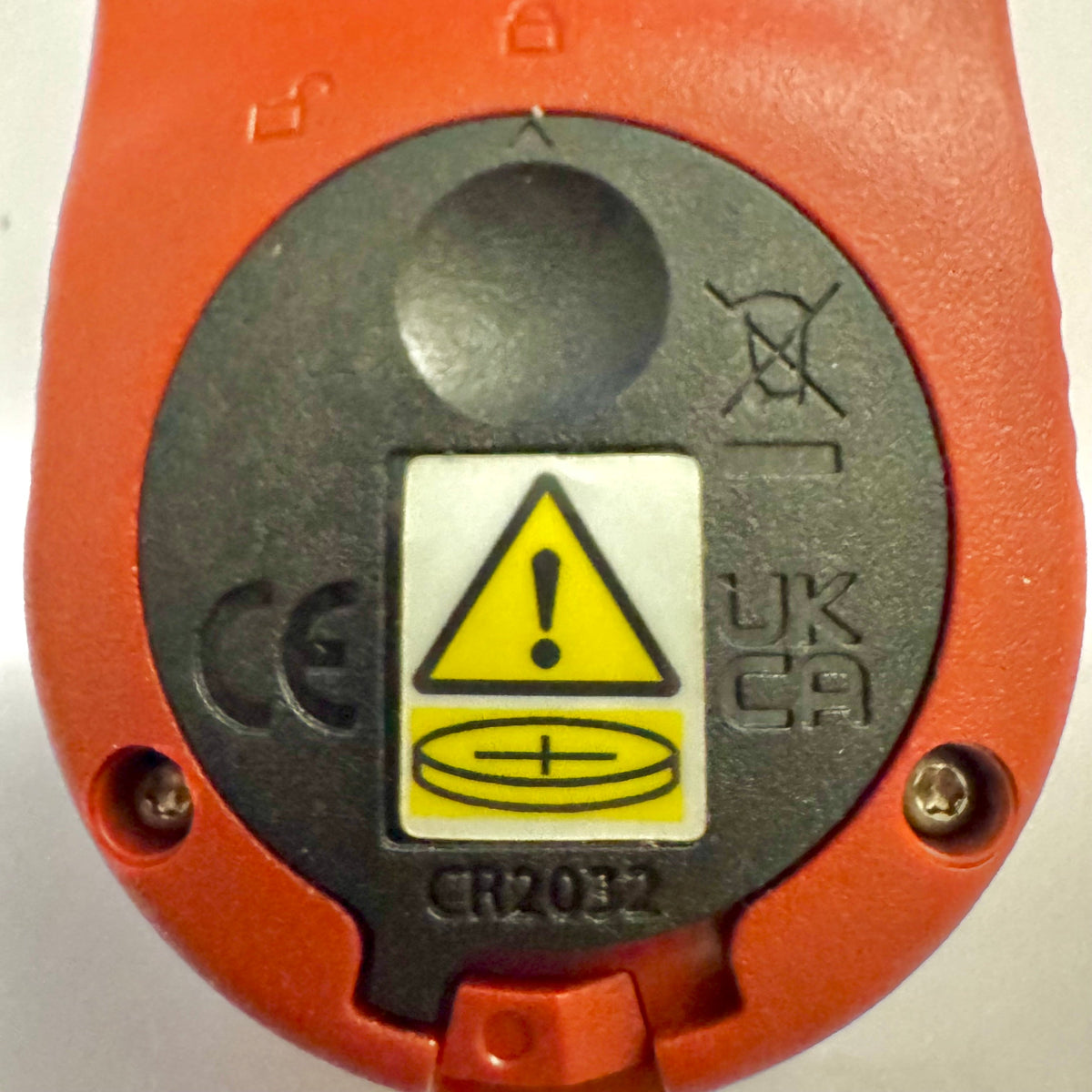
Kestrel Basic-meters krijgen een nieuw batterijvakdeksel voor Reese’s Law
Als je onlangs een meter uit de Kestrel Basic Series hebt gekocht, merk je misschien dat de batterijklep er anders uitziet dan die van oudere Kestrel-modellen. Dit is een bewuste ontwerpwijziging om te voldoen aan bijgewerkte federale voorschriften voor producten met knoopcelbatterijen.
Lees meerover Kestrel Basic-meters krijgen een nieuw batterijvakdeksel voor Reese’s Law
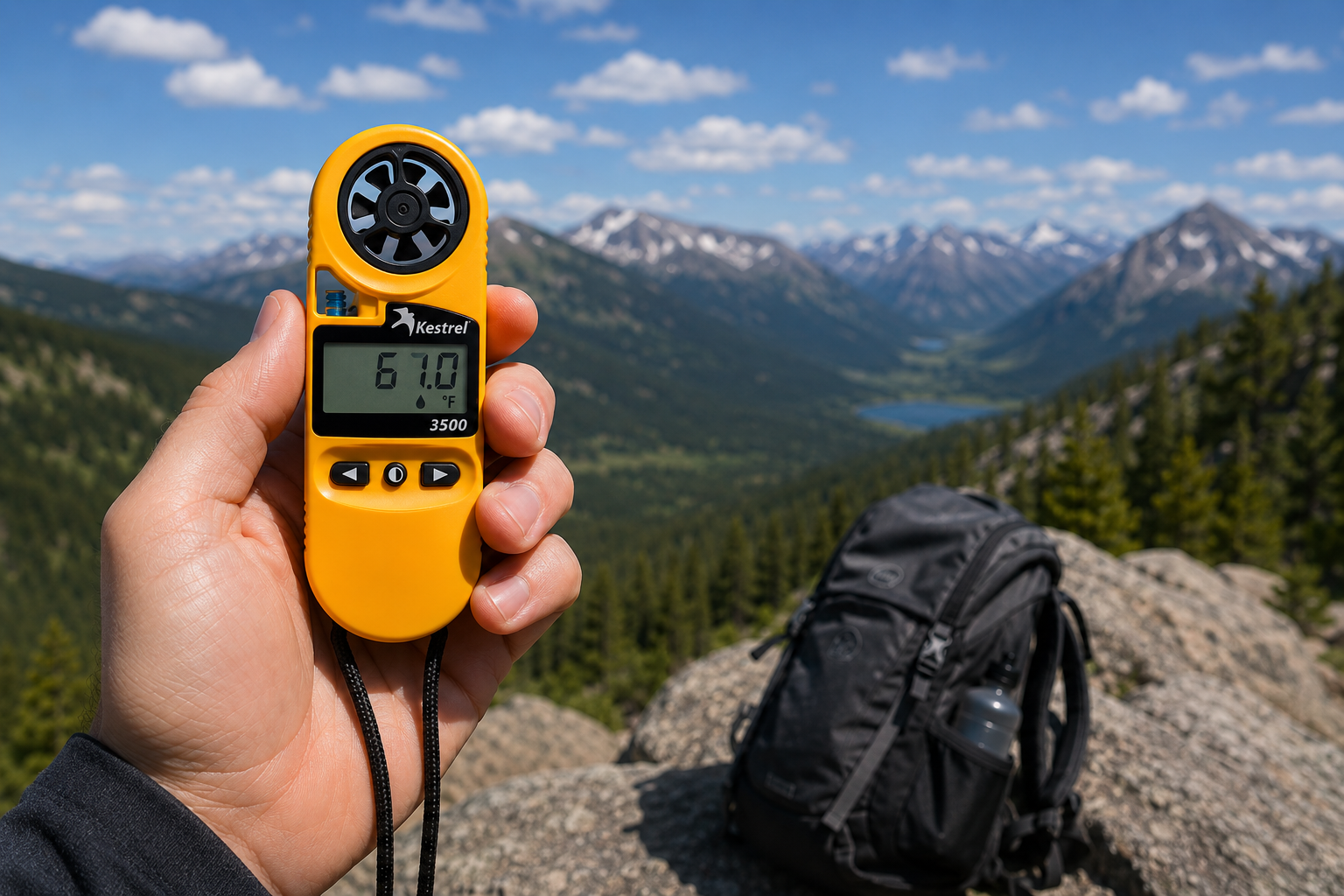
Kestrel 3500 Pocket-weermeter: het veldklare hulpmiddel waar je naar op zoek was
De Kestrel 3500 Pocket Weather Meter meet windsnelheid, temperatuur, luchtvochtigheid, luchtdruk, hittestress en gevoelstemperatuur door de wind in een robuust, waterdicht instrument dat in de VS is gemaakt. Daarom hoort hij in je velduitrusting.
Lees meerover Kestrel 3500 Pocket-weermeter: het veldklare hulpmiddel waar je naar op zoek was
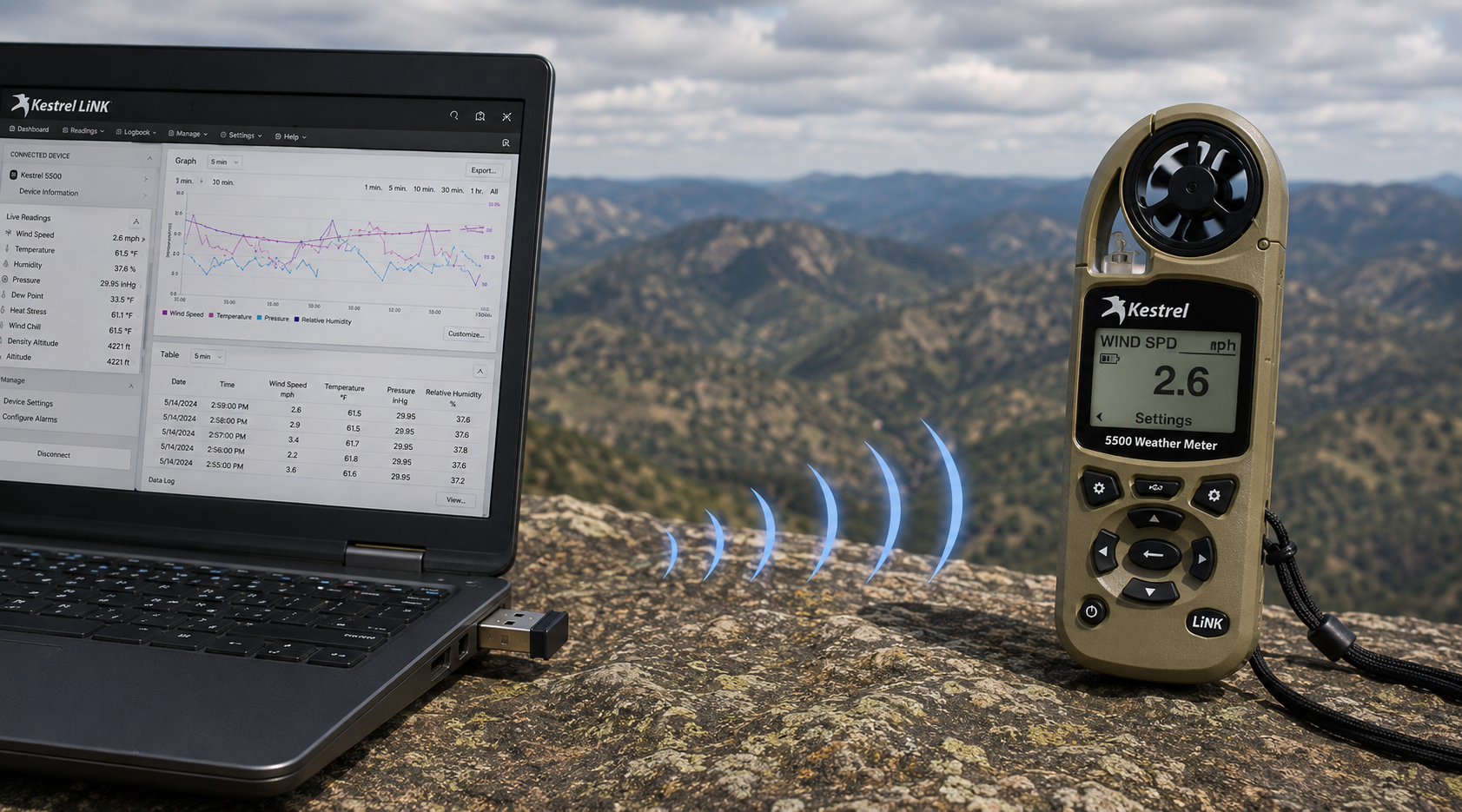
Kestrel LiNK draadloze USB-dongle – wat hij doet en wanneer je hem nodig hebt
De Kestrel LiNK Wireless USB-dongle maakt draadloze gegevensoverdracht en firmware-updates mogelijk tussen Kestrel 5 Series LiNK-meters en je Windows-pc of Mac. Ontdek wat deze dongle doet, wie hem nodig heeft en hoe hij in je workflow voor veldgegevens past.
Lees meerover Kestrel LiNK draadloze USB-dongle – wat hij doet en wanneer je hem nodig hebt
Delen:
Team van Adobe Bluffs Elementary School gebruikt een Kestrel 4500 om de Global Challenge van de Lego League te winnen
Inzicht in druk, hoogte en dichtheidshoogte
9 reacties
Hi Walter,
You need to download the Kestrel LiNK Ballistics App on your iPhone or iPad for the the meter to make the connection. Open and connect through the app once it is installed. Just be sure you have Bluetooth turned on with your iPad and iPhone. You can also use the Kestrel LiNK app for iPhone / Pad but that app is just for environmental info so your meter can double as a portable weather station.
Kestrel LiNK Ballistics App: https://itunes.apple.com/us/app/kestrel-link-ballistics/id1059522399?mt=8
Kestrel LiNK App: https://itunes.apple.com/us/app/kestrel-link/id698732837?mt=8
Hi, I am having trouble getting my Kestrel Elite with Bluetooth LiNK to connect to my iPhone and iPad. Can you help?
Hi Jim,
Sorry your Horus will always be a Horus. Same for the Applied Ballistics. The meters are internally different and cannot be reprogrammed with different ballistics software though they can be upgraded to different versions of their own software.
I have a Kestrel 4500 with the Horus ballistic program with blue tooth. Can I have Kestrel reprogrammed to Applied Ballistics for a fee ?
Michael, You should be able to Pin to the Taskbar. I just did it with Kestrel Communicator on Windows 8.1. For the Gunloader, make sure the you are trying to pin the actual application file (.exe) file to the taskbar instead of a shortcut. Some people try and pin the shortcut to the taskbar and this is what doesn’t work. Thanks!