

คำถามที่พบบ่อยเกี่ยวกับเครื่องวัดขีปนาวุธ Kestrel
เรื่องราวล่าสุด
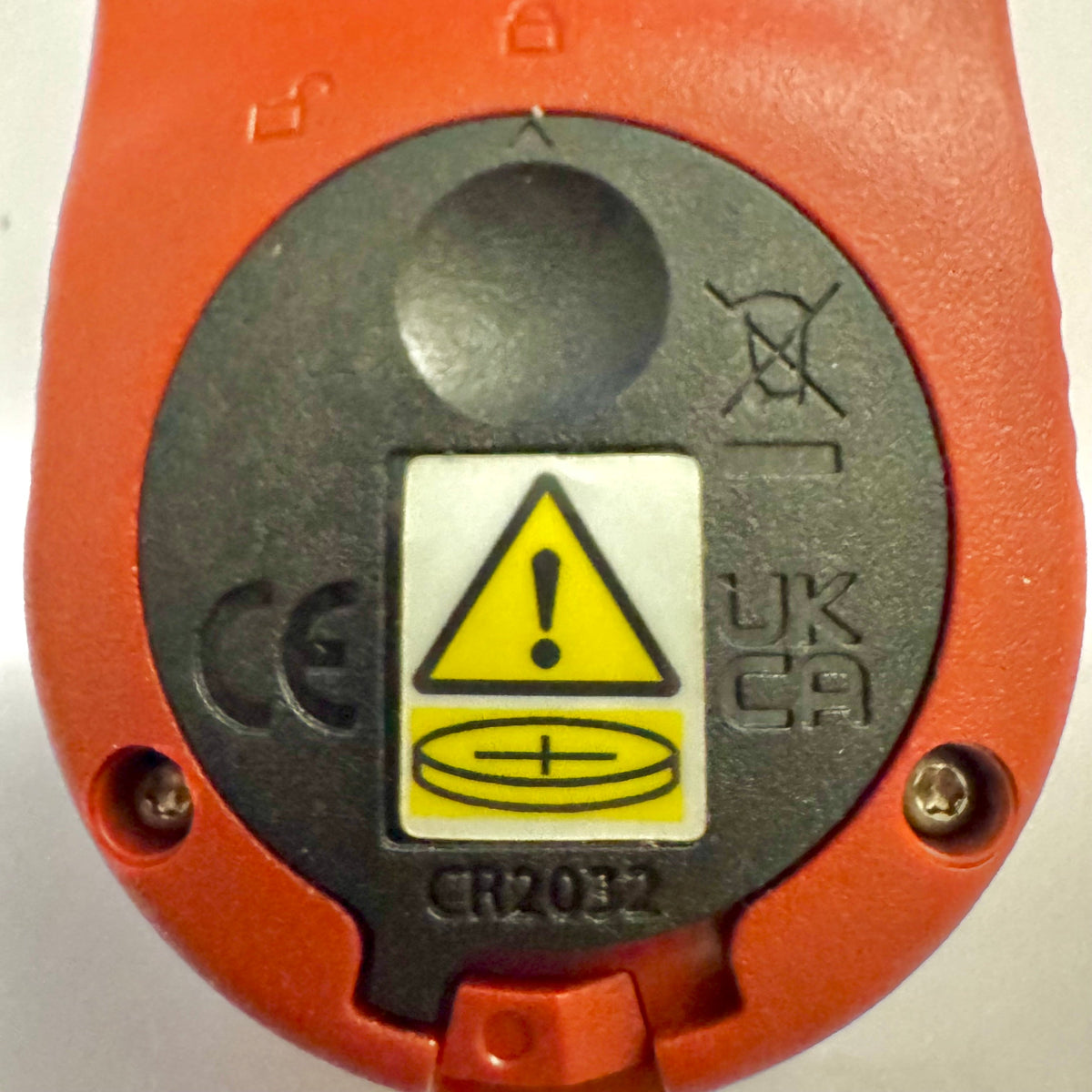
มิเตอร์ Kestrel Basic ได้รับฝาปิดแบตเตอรี่แบบใหม่ตามกฎหมายของ Reese
หากคุณเพิ่งซื้อเครื่องวัด Kestrel Basic Series คุณอาจสังเกตเห็นว่า ฝาปิดแบตเตอรี่มีรูปลักษณ์แตกต่างจากเครื่องวัด Kestrel รุ่นเก่า การเปลี่ยนแปลงนี้เป็นการออกแบบโดยเจตนาเพื่อให้เป็นไปตามข้อกำหนดของรัฐบาลกลางฉบับปรับปรุงสำหรับผลิตภัณฑ์ที่ใช้แบตเตอรี่กระดุม
อ่านเพิ่มเติมเกี่ยวกับ มิเตอร์ Kestrel Basic ได้รับฝาปิดแบตเตอรี่แบบใหม่ตามกฎหมายของ Reese
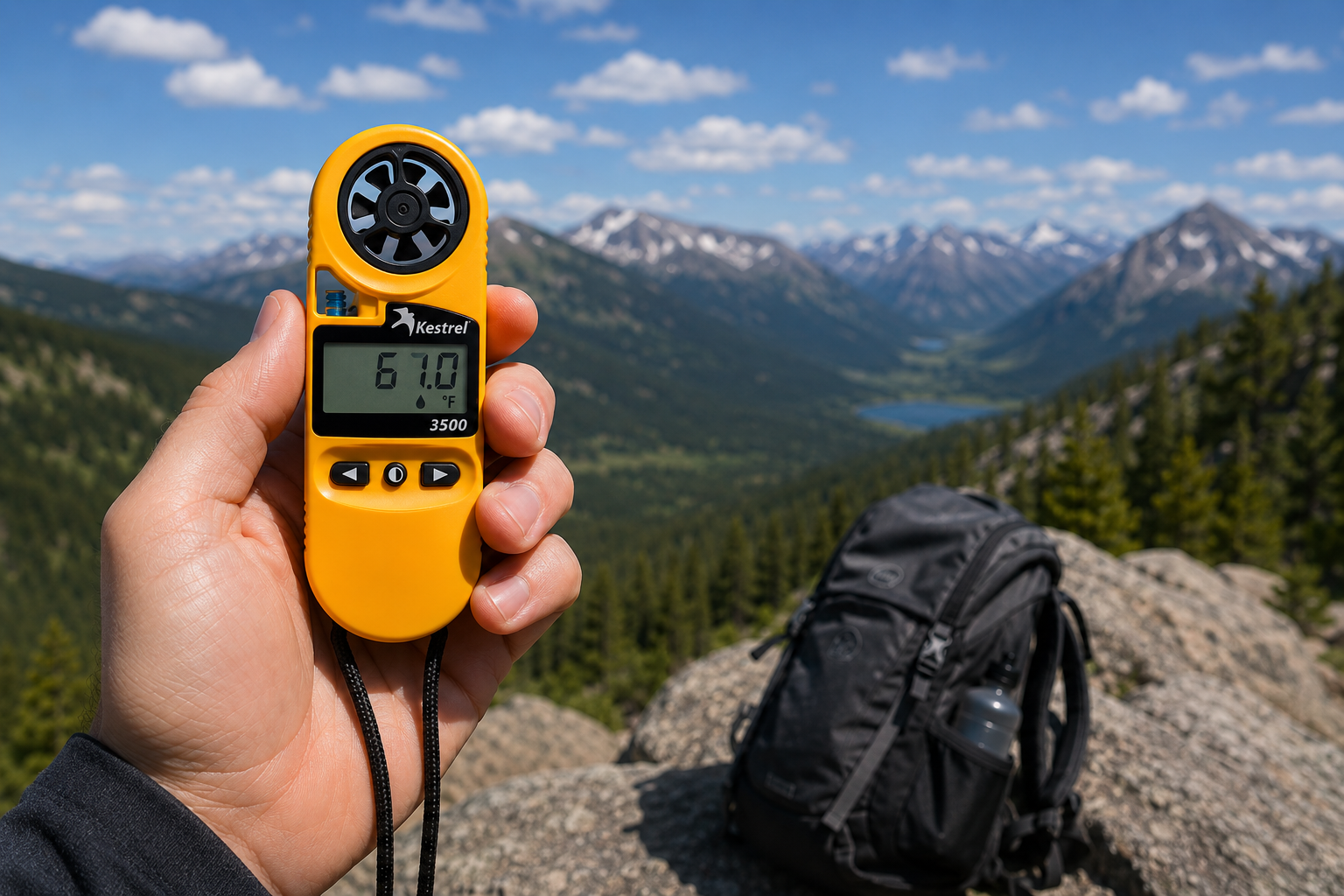
เครื่องวัดสภาพอากาศแบบพกพา Kestrel 3500: เครื่องมือพร้อมใช้งานภาคสนามที่คุณกำลังมองหา
เครื่องวัดสภาพอากาศแบบพกพา Kestrel 3500 ใช้วัดความเร็วลม อุณหภูมิ ความชื้น ความกดอากาศ ภาวะเครียดจากความร้อน และอุณหภูมิที่รู้สึกได้จากลม ในอุปกรณ์ที่ผลิตในสหรัฐอเมริกา แข็งแรงทนทานและกันน้ำ นี่คือเหตุผลที่อุปกรณ์นี้ควรอยู่ในชุดอุปกรณ์ภาคสนามของคุณ
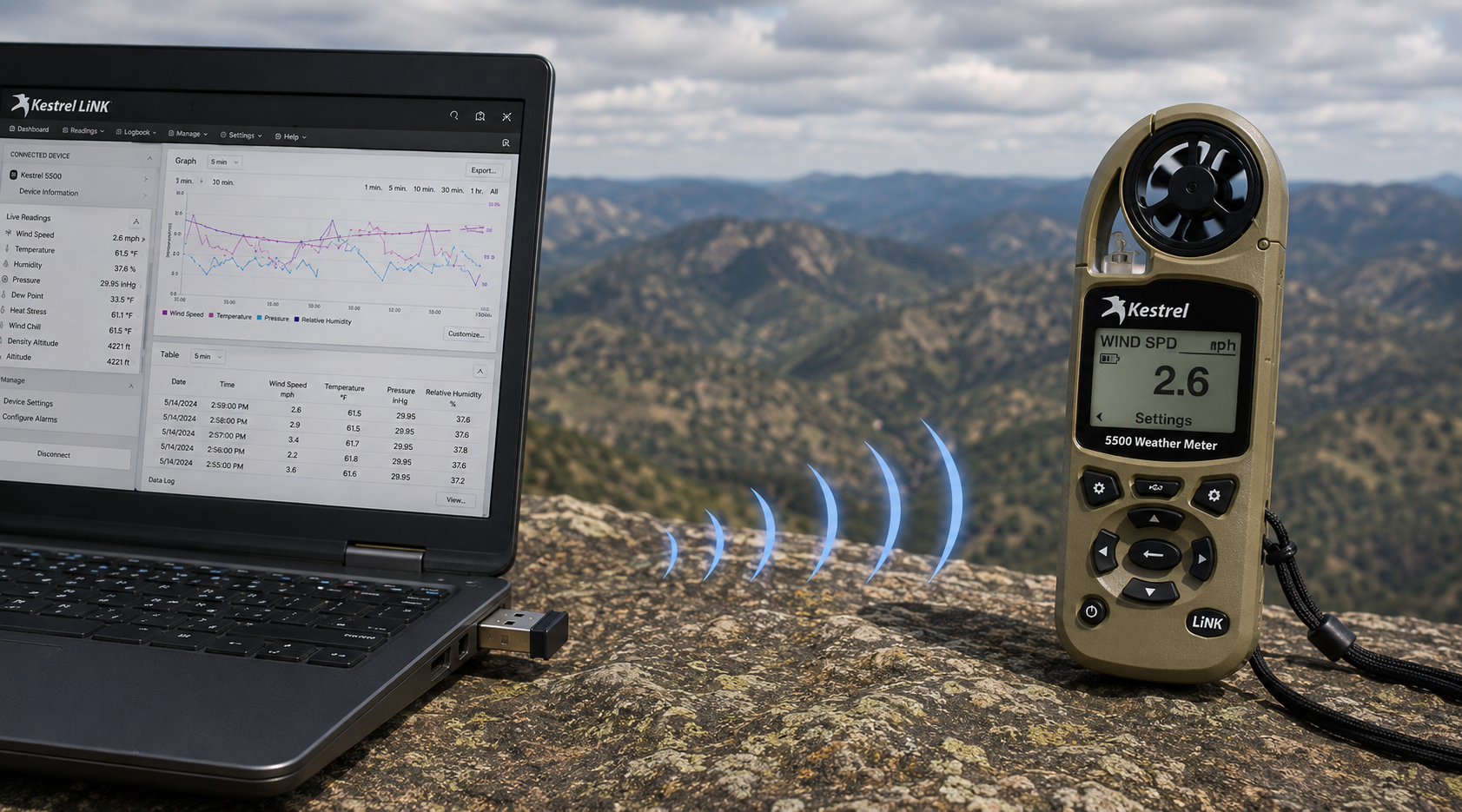
ดองเกิล USB ไร้สาย Kestrel LiNK – ทำหน้าที่อะไรและควรใช้เมื่อใด
ดองเกิล USB ไร้สาย Kestrel LiNK ช่วยให้ถ่ายโอนข้อมูลแบบไร้สายและอัปเดตเฟิร์มแวร์ระหว่างเครื่องวัด Kestrel ซีรีส์ 5 ที่รองรับ LiNK กับคอมพิวเตอร์ Windows หรือ Mac ของคุณ เรียนรู้ว่าดองเกิลนี้ทำอะไร ใครจำเป็นต้องใช้ และมีบทบาทอย่างไรในกระบวนการจัดการข้อมูลภาคสนามของคุณ
อ่านเพิ่มเติมเกี่ยวกับ ดองเกิล USB ไร้สาย Kestrel LiNK – ทำหน้าที่อะไรและควรใช้เมื่อใด
แชร์:
ทีมจากโรงเรียนประถมศึกษา Adobe Bluffs ใช้ Kestrel 4500 คว้าชัยในการแข่งขัน Lego League Global Challenge
ทำความเข้าใจเรื่องความกดอากาศ ระดับความสูง และระดับความสูงเชิงความหนาแน่น
9 ความคิดเห็น
Hi Walter,
You need to download the Kestrel LiNK Ballistics App on your iPhone or iPad for the the meter to make the connection. Open and connect through the app once it is installed. Just be sure you have Bluetooth turned on with your iPad and iPhone. You can also use the Kestrel LiNK app for iPhone / Pad but that app is just for environmental info so your meter can double as a portable weather station.
Kestrel LiNK Ballistics App: https://itunes.apple.com/us/app/kestrel-link-ballistics/id1059522399?mt=8
Kestrel LiNK App: https://itunes.apple.com/us/app/kestrel-link/id698732837?mt=8
Hi, I am having trouble getting my Kestrel Elite with Bluetooth LiNK to connect to my iPhone and iPad. Can you help?
Hi Jim,
Sorry your Horus will always be a Horus. Same for the Applied Ballistics. The meters are internally different and cannot be reprogrammed with different ballistics software though they can be upgraded to different versions of their own software.
I have a Kestrel 4500 with the Horus ballistic program with blue tooth. Can I have Kestrel reprogrammed to Applied Ballistics for a fee ?
Michael, You should be able to Pin to the Taskbar. I just did it with Kestrel Communicator on Windows 8.1. For the Gunloader, make sure the you are trying to pin the actual application file (.exe) file to the taskbar instead of a shortcut. Some people try and pin the shortcut to the taskbar and this is what doesn’t work. Thanks!