

- بواسطة Mike M
أسئلة حول أجهزة قياس المقذوفات من كيستريل
- بواسطة Mike M
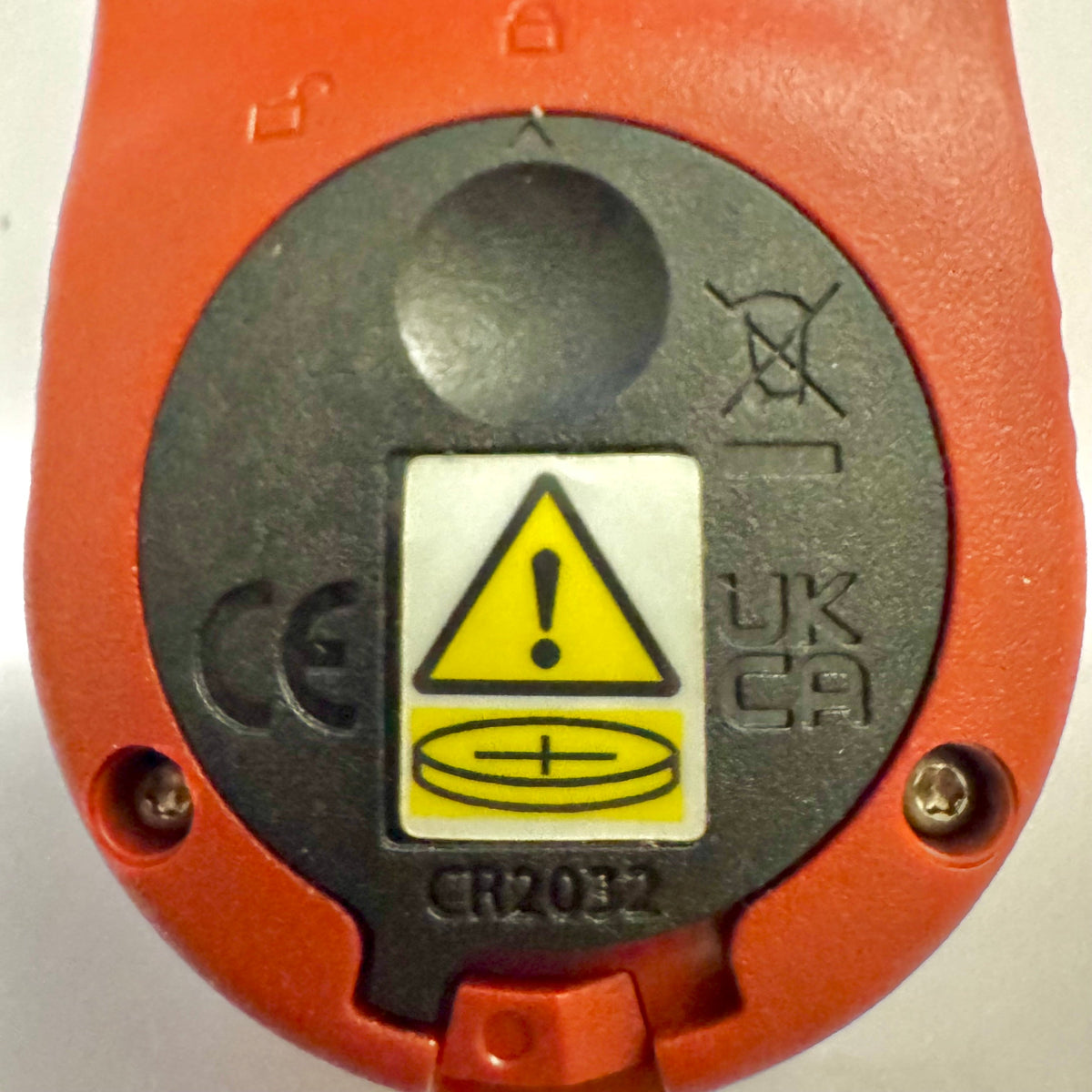
تحصل عدادات Kestrel Basic على غطاء بطارية جديد للامتثال لقانون Reese’s Law
إذا كنت قد اشتريت مؤخرًا جهاز قياس من سلسلة Kestrel Basic، فقد تلاحظ أن باب البطارية يبدو مختلفًا عن طُرز Kestrel الأقدم. وهذا تغيير مقصود في التصميم للامتثال للمتطلبات الفيدرالية المحدّثة للمنتجات التي تستخدم بطاريات ذات خلايا زرّية.
اقرأ المزيدحول تحصل عدادات Kestrel Basic على غطاء بطارية جديد للامتثال لقانون Reese’s Law
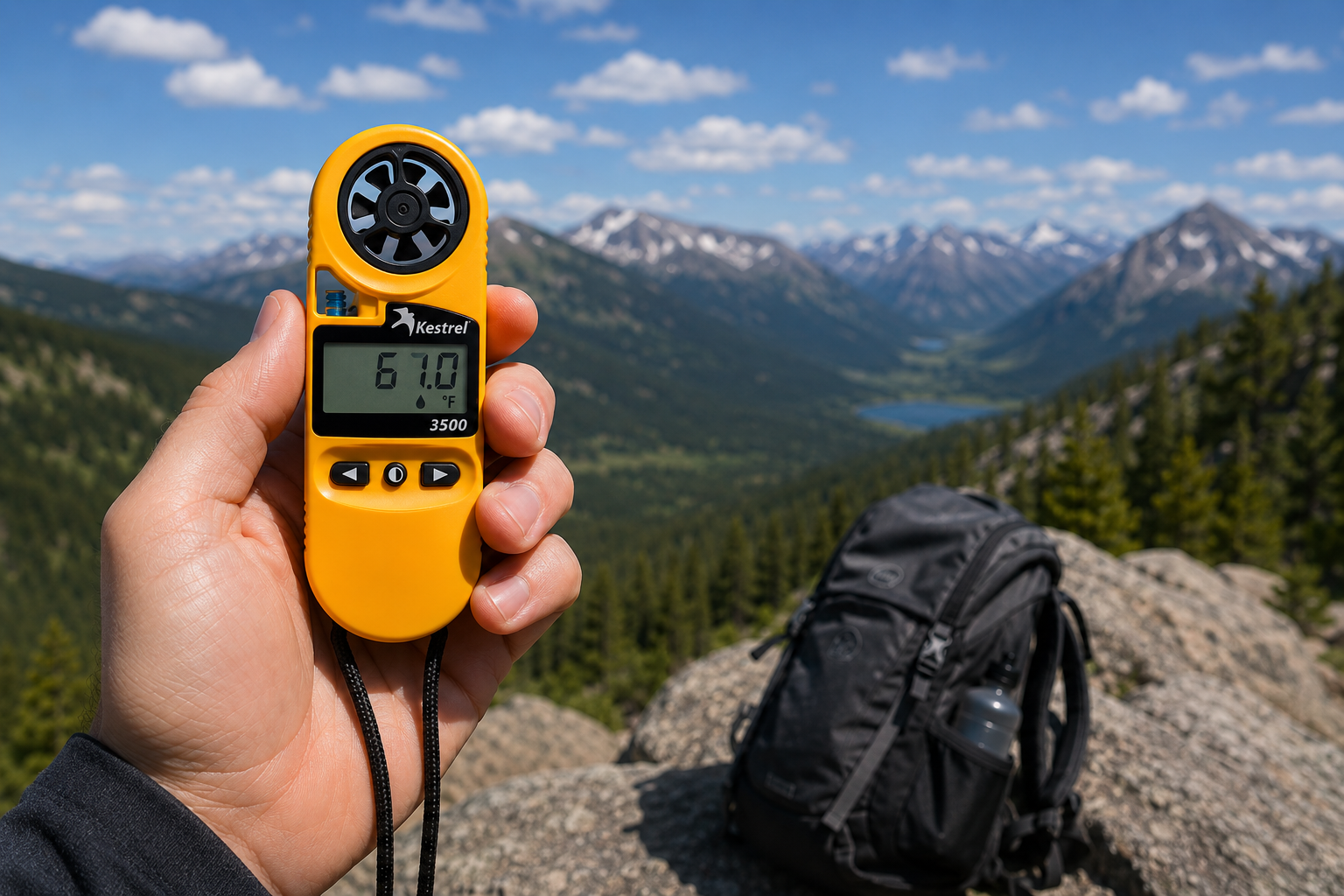
مقياس الطقس الجيبي Kestrel 3500: الأداة الجاهزة للعمل الميداني التي كنت تبحث عنها
اقرأ المزيدحول مقياس الطقس الجيبي Kestrel 3500: الأداة الجاهزة للعمل الميداني التي كنت تبحث عنها
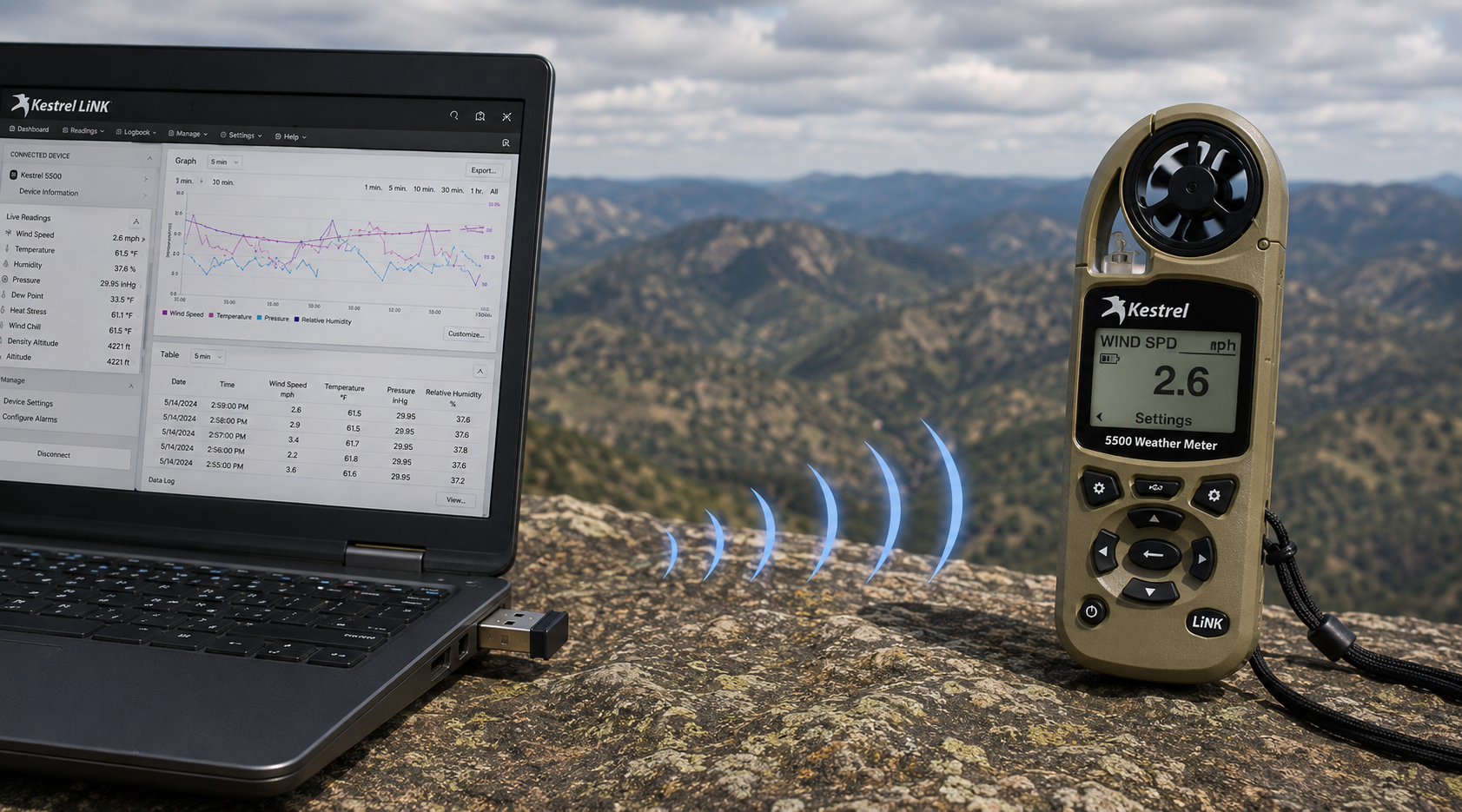
قطعة Kestrel LiNK اللاسلكية للاتصال عبر USB – ما وظيفتها ومتى تحتاج إليها
اقرأ المزيدحول قطعة Kestrel LiNK اللاسلكية للاتصال عبر USB – ما وظيفتها ومتى تحتاج إليها
مشاركة:
فريق مدرسة أدوب بلَفز الابتدائية يستخدم جهاز كيستريل 4500 للفوز بالتحدي العالمي لدوري ليغو
فهم الضغط والارتفاع وارتفاع الكثافة
9 تعليقًا
Hi Walter,
You need to download the Kestrel LiNK Ballistics App on your iPhone or iPad for the the meter to make the connection. Open and connect through the app once it is installed. Just be sure you have Bluetooth turned on with your iPad and iPhone. You can also use the Kestrel LiNK app for iPhone / Pad but that app is just for environmental info so your meter can double as a portable weather station.
Kestrel LiNK Ballistics App: https://itunes.apple.com/us/app/kestrel-link-ballistics/id1059522399?mt=8
Kestrel LiNK App: https://itunes.apple.com/us/app/kestrel-link/id698732837?mt=8
Hi, I am having trouble getting my Kestrel Elite with Bluetooth LiNK to connect to my iPhone and iPad. Can you help?
Hi Jim,
Sorry your Horus will always be a Horus. Same for the Applied Ballistics. The meters are internally different and cannot be reprogrammed with different ballistics software though they can be upgraded to different versions of their own software.
I have a Kestrel 4500 with the Horus ballistic program with blue tooth. Can I have Kestrel reprogrammed to Applied Ballistics for a fee ?
Michael, You should be able to Pin to the Taskbar. I just did it with Kestrel Communicator on Windows 8.1. For the Gunloader, make sure the you are trying to pin the actual application file (.exe) file to the taskbar instead of a shortcut. Some people try and pin the shortcut to the taskbar and this is what doesn’t work. Thanks!