

Často kladené otázky o balistických měřičích Kestrel.
Nejnovější příběhy
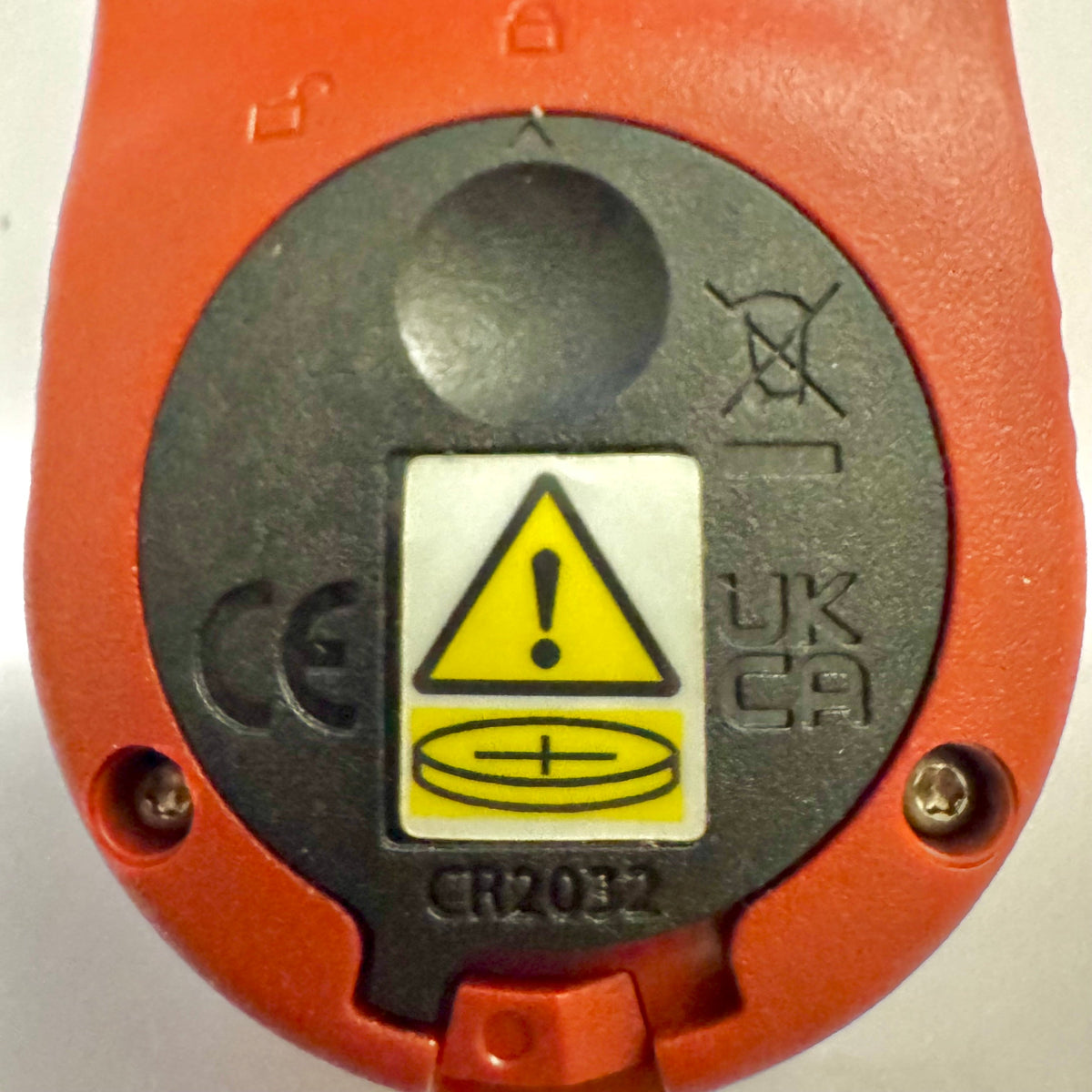
Základní měřiče Kestrel dostávají nový kryt baterie v souladu s Reeseovým zákonem
Pokud jste si nedávno zakoupili měřič Kestrel Basic Series, možná jste si všimli, že dvířka bateriového prostoru vypadají jinak než u starších modelů Kestrel. Jedná se o záměrnou konstrukční změnu, která má zajistit soulad s aktualizovanými federálními požadavky na výrobky používající knoflíkové baterie.
Číst víceo Základní měřiče Kestrel dostávají nový kryt baterie v souladu s Reeseovým zákonem
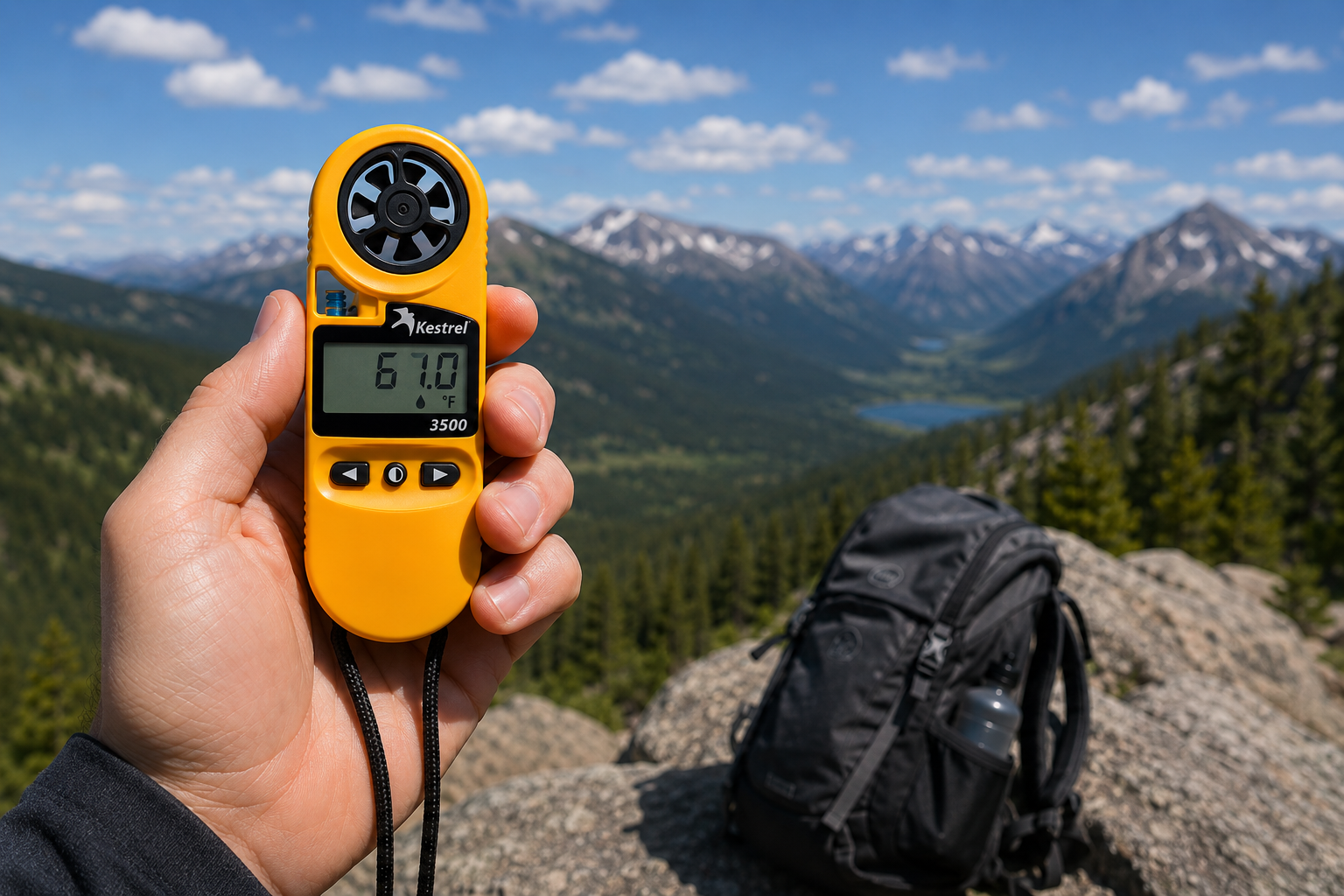
Kapesní meteorologický přístroj Kestrel 3500: nástroj připravený do terénu, který jste hledali
Kapesní meteorologický přístroj Kestrel 3500 měří rychlost větru, teplotu, vlhkost, tlak, tepelný stres a pocitovou teplotu způsobenou větrem. Je to odolný, vodotěsný přístroj vyrobený v USA. Zde je důvod, proč by měl být součástí vaší terénní výbavy.
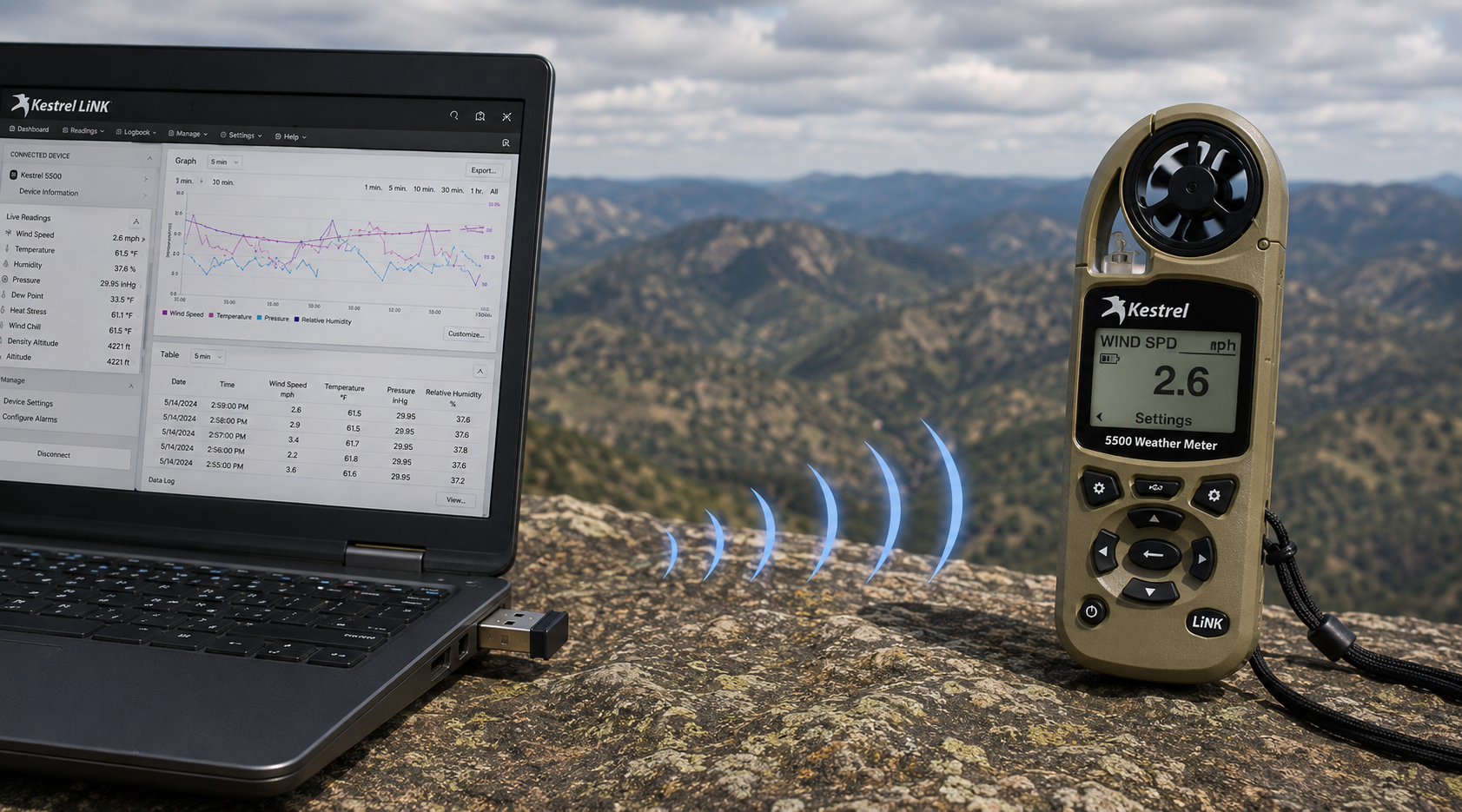
Bezdrátový USB dongle Kestrel LiNK – co umí a kdy ho potřebujete
Bezdrátový USB dongle Kestrel LiNK umožňuje bezdrátový přenos dat a aktualizace firmwaru mezi měřiči Kestrel řady 5 s technologií LiNK a počítačem se systémem Windows nebo Macem. Zjistěte, k čemu slouží, kdo ho potřebuje a jak zapadá do vašeho pracovního postupu při práci s terénními daty.
Číst víceo Bezdrátový USB dongle Kestrel LiNK – co umí a kdy ho potřebujete
Sdílet:
Tým ze základní školy Adobe Bluffs používá Kestrel 4500 k vítězství v globální soutěži Lego League
Porozumění tlaku, nadmořské výšce a hustotní výšce
9 komentářů
Hi Walter,
You need to download the Kestrel LiNK Ballistics App on your iPhone or iPad for the the meter to make the connection. Open and connect through the app once it is installed. Just be sure you have Bluetooth turned on with your iPad and iPhone. You can also use the Kestrel LiNK app for iPhone / Pad but that app is just for environmental info so your meter can double as a portable weather station.
Kestrel LiNK Ballistics App: https://itunes.apple.com/us/app/kestrel-link-ballistics/id1059522399?mt=8
Kestrel LiNK App: https://itunes.apple.com/us/app/kestrel-link/id698732837?mt=8
Hi, I am having trouble getting my Kestrel Elite with Bluetooth LiNK to connect to my iPhone and iPad. Can you help?
Hi Jim,
Sorry your Horus will always be a Horus. Same for the Applied Ballistics. The meters are internally different and cannot be reprogrammed with different ballistics software though they can be upgraded to different versions of their own software.
I have a Kestrel 4500 with the Horus ballistic program with blue tooth. Can I have Kestrel reprogrammed to Applied Ballistics for a fee ?
Michael, You should be able to Pin to the Taskbar. I just did it with Kestrel Communicator on Windows 8.1. For the Gunloader, make sure the you are trying to pin the actual application file (.exe) file to the taskbar instead of a shortcut. Some people try and pin the shortcut to the taskbar and this is what doesn’t work. Thanks!