

Ofte stillede spørgsmål om Kestrel-ballistikmålere.
Seneste historier
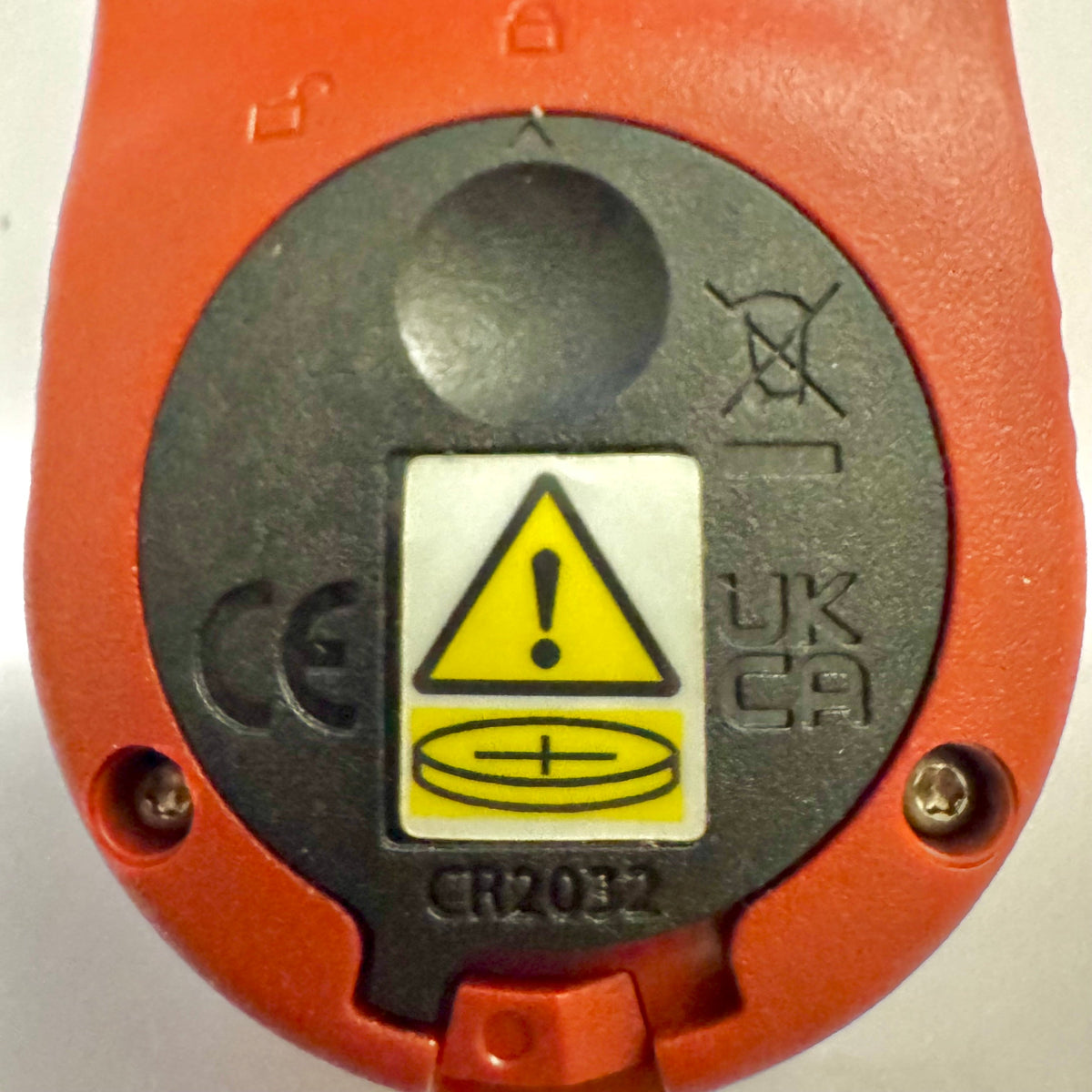
Kestrel Basic-målere får en ny batteridæksel på grund af Reese’s Law
Hvis du for nylig har købt en måler fra Kestrel Basic Series, vil du måske bemærke, at batteridækslet ser anderledes ud end på ældre Kestrel-modeller. Dette er en bevidst designændring for at overholde opdaterede føderale krav til produkter, der bruger knapcellebatterier.
Læs mereom Kestrel Basic-målere får en ny batteridæksel på grund af Reese’s Law
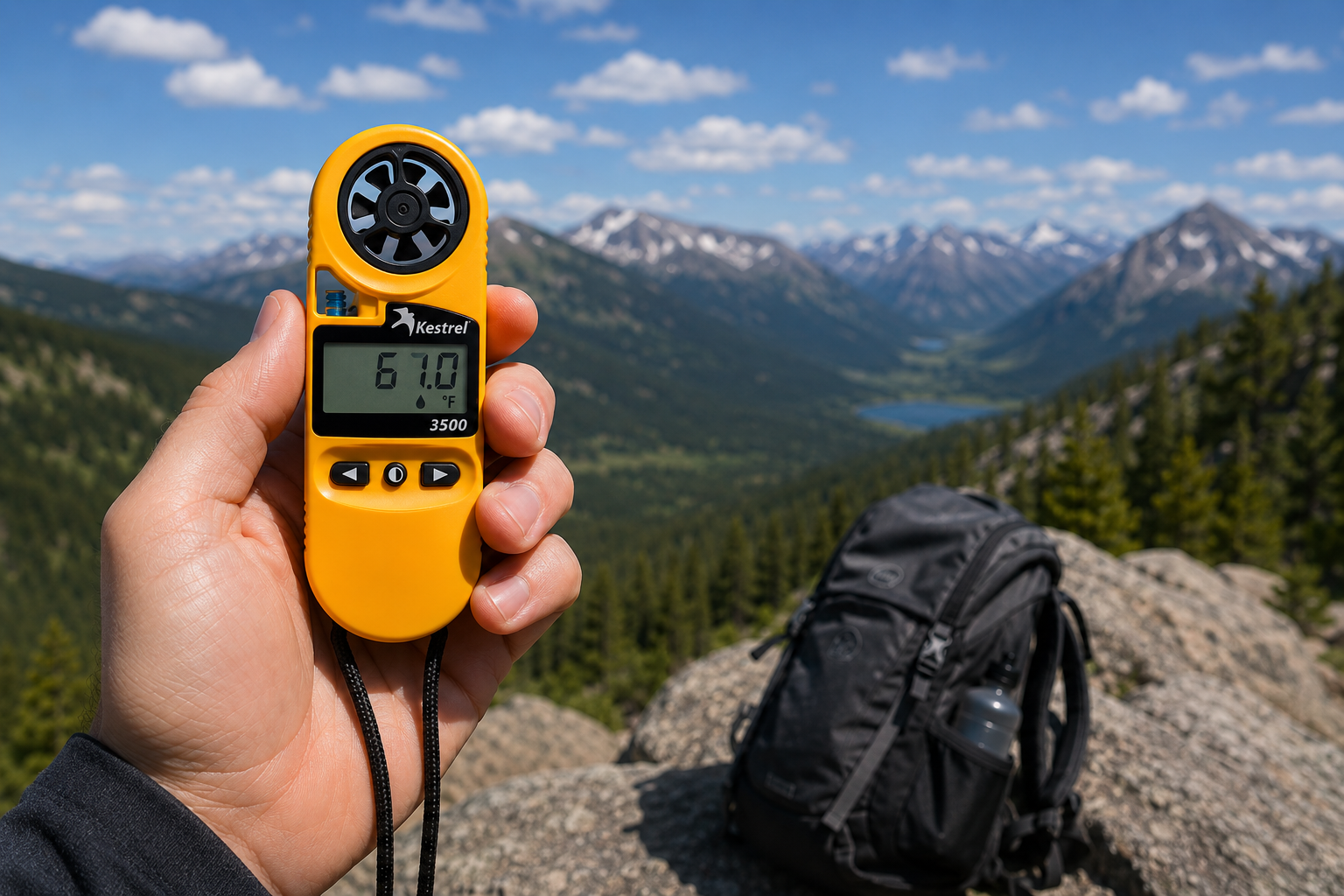
Kestrel 3500 lommevejrmåler: Det feltklare værktøj, du har ledt efter
Kestrel 3500 Pocket Weather Meter måler vindhastighed, temperatur, luftfugtighed, tryk, varmestress og vindafkøling i et robust, vandtæt instrument fremstillet i USA. Her er grunden til, at det hører hjemme i dit feltudstyr.
Læs mereom Kestrel 3500 lommevejrmåler: Det feltklare værktøj, du har ledt efter
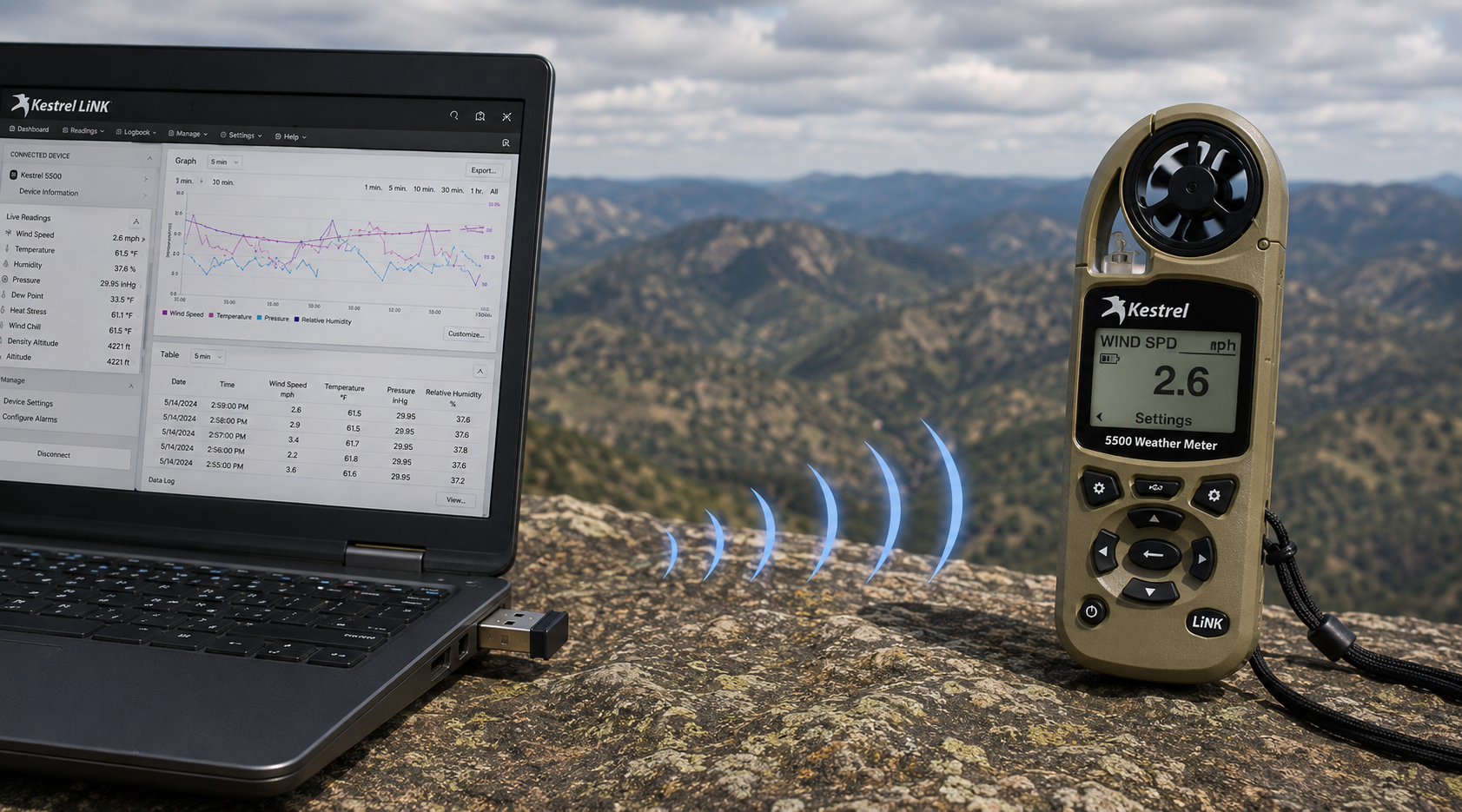
Kestrel LiNK trådløs USB-dongle – Hvad den gør, og hvornår du har brug for den
Kestrel LiNK trådløs USB-dongle muliggør trådløs dataoverførsel og firmwareopdateringer mellem Kestrel LiNK-målere i 5-serien og din Windows-pc eller Mac. Læs mere om, hvad den gør, hvem der har brug for den, og hvordan den indgår i din arbejdsgang for feltdata.
Læs mereom Kestrel LiNK trådløs USB-dongle – Hvad den gør, og hvornår du har brug for den
Del:
Teamet fra Adobe Bluffs Elementary School bruger en Kestrel 4500 til at vinde Lego League Global Challenge
Forståelse af tryk, højde og densitetshøjde
9 kommentarer
Hi Walter,
You need to download the Kestrel LiNK Ballistics App on your iPhone or iPad for the the meter to make the connection. Open and connect through the app once it is installed. Just be sure you have Bluetooth turned on with your iPad and iPhone. You can also use the Kestrel LiNK app for iPhone / Pad but that app is just for environmental info so your meter can double as a portable weather station.
Kestrel LiNK Ballistics App: https://itunes.apple.com/us/app/kestrel-link-ballistics/id1059522399?mt=8
Kestrel LiNK App: https://itunes.apple.com/us/app/kestrel-link/id698732837?mt=8
Hi, I am having trouble getting my Kestrel Elite with Bluetooth LiNK to connect to my iPhone and iPad. Can you help?
Hi Jim,
Sorry your Horus will always be a Horus. Same for the Applied Ballistics. The meters are internally different and cannot be reprogrammed with different ballistics software though they can be upgraded to different versions of their own software.
I have a Kestrel 4500 with the Horus ballistic program with blue tooth. Can I have Kestrel reprogrammed to Applied Ballistics for a fee ?
Michael, You should be able to Pin to the Taskbar. I just did it with Kestrel Communicator on Windows 8.1. For the Gunloader, make sure the you are trying to pin the actual application file (.exe) file to the taskbar instead of a shortcut. Some people try and pin the shortcut to the taskbar and this is what doesn’t work. Thanks!