

Häufig gestellte Fragen zu Kestrel-Ballistikmessgeräten.
Neueste Meldungen
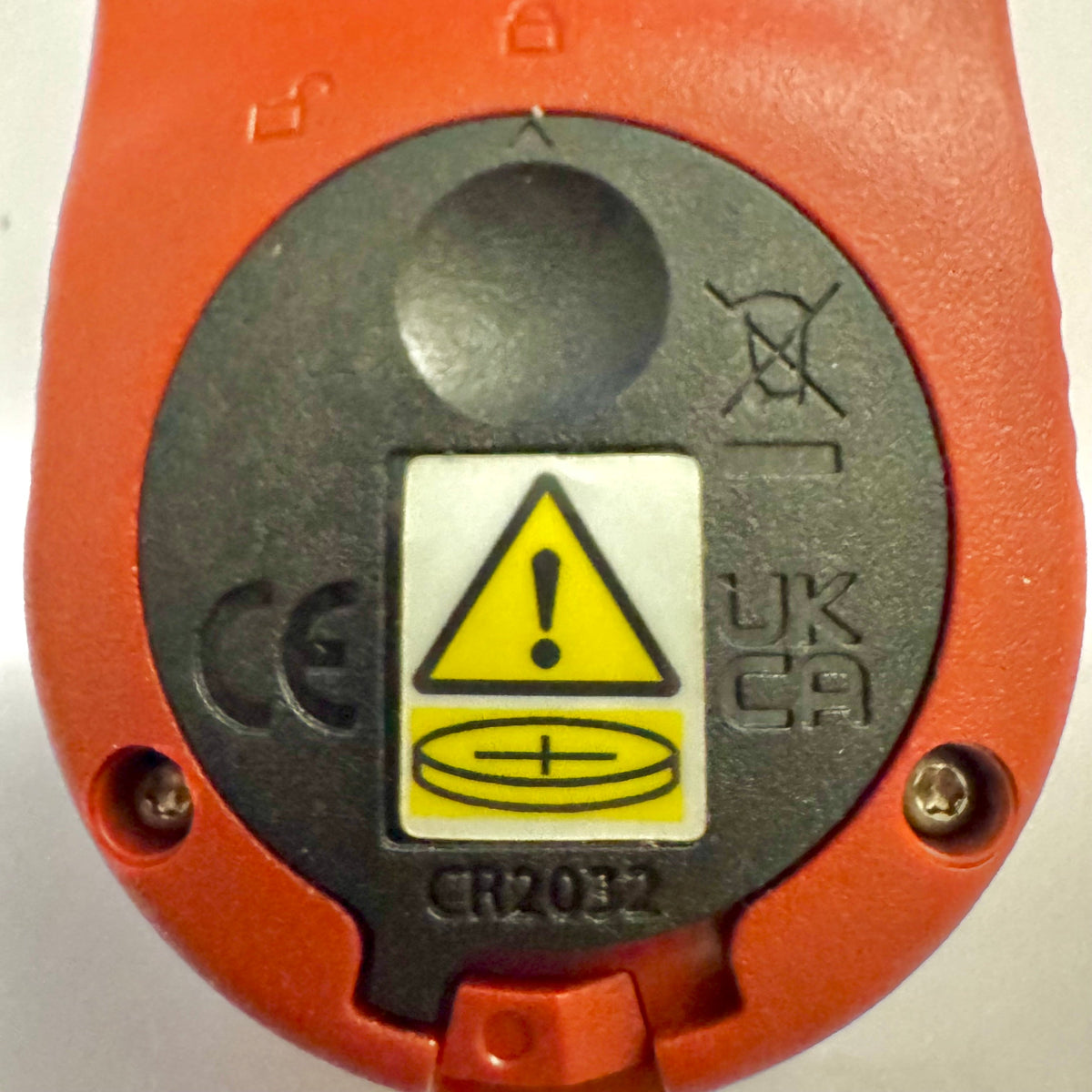
Kestrel Basic-Messgeräte erhalten eine neue Batteriefachabdeckung gemäß Reese’s Law
Wenn Sie kürzlich ein Messgerät der Kestrel Basic Series gekauft haben, ist Ihnen möglicherweise aufgefallen, dass die Batterieabdeckung anders aussieht als bei älteren Kestrel-Modellen. Diese Designänderung wurde bewusst vorgenommen, um die aktualisierten gesetzlichen Anforderungen für Produkte mit Knopfzellen einzuhalten.
Weiterlesenüber Kestrel Basic-Messgeräte erhalten eine neue Batteriefachabdeckung gemäß Reese’s Law
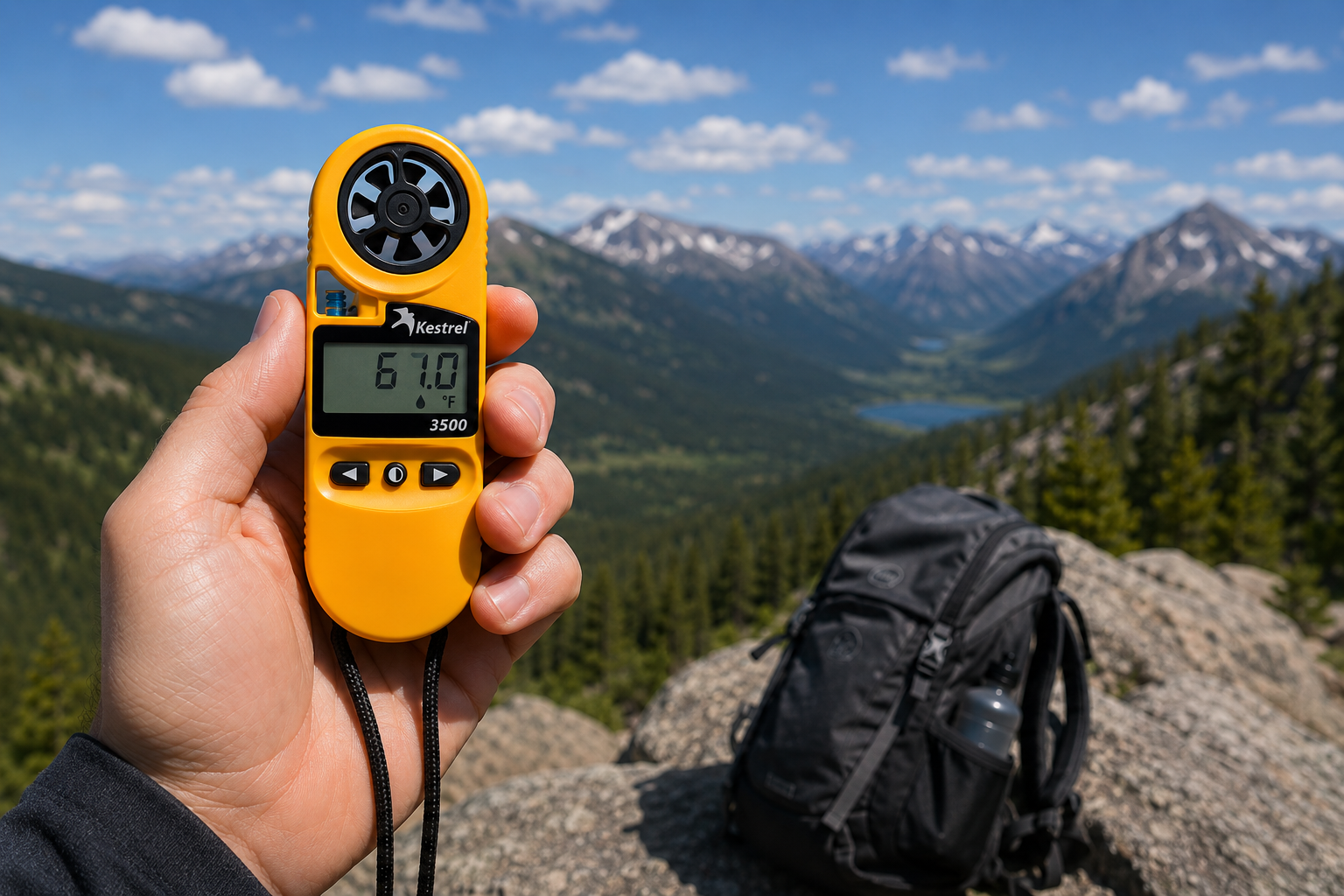
Kestrel 3500 Taschen-Wetterstation: Das praxistaugliche Werkzeug, nach dem Sie gesucht haben
Das Kestrel 3500 Pocket Weather Meter misst Windgeschwindigkeit, Temperatur, Luftfeuchtigkeit, Luftdruck, Hitzestress und Windchill in einem robusten, wasserdichten Instrument aus US-amerikanischer Fertigung. Darum gehört es in Ihre Feldausrüstung.
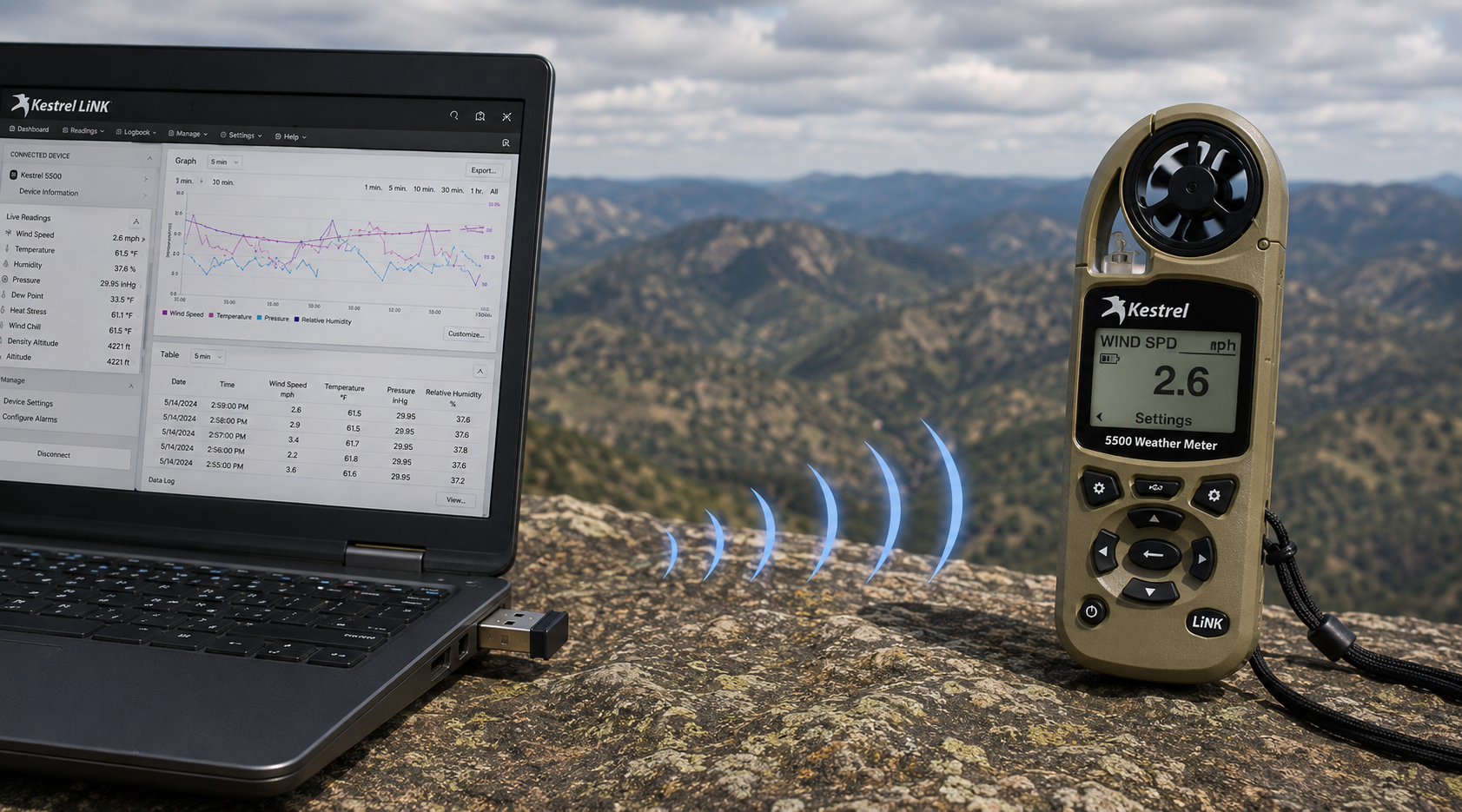
Kestrel LiNK Wireless-USB-Dongle – Was es tut und wann Sie es brauchen
Der Kestrel LiNK Wireless-USB-Dongle ermöglicht die drahtlose Datenübertragung und Firmware-Aktualisierung zwischen Kestrel-LiNK-Messgeräten der Serie 5 und Ihrem Windows-PC oder Mac. Erfahren Sie, welche Funktionen er bietet, wer ihn benötigt und wie er sich in Ihren Workflow für Felddaten einfügt.
Weiterlesenüber Kestrel LiNK Wireless-USB-Dongle – Was es tut und wann Sie es brauchen
Teilen:
Das Team der Adobe Bluffs Elementary School gewinnt mit einem Kestrel 4500 die globale Lego-League-Challenge
Druck, Höhe und Dichtehöhe verstehen
9 Kommentare
Hi Walter,
You need to download the Kestrel LiNK Ballistics App on your iPhone or iPad for the the meter to make the connection. Open and connect through the app once it is installed. Just be sure you have Bluetooth turned on with your iPad and iPhone. You can also use the Kestrel LiNK app for iPhone / Pad but that app is just for environmental info so your meter can double as a portable weather station.
Kestrel LiNK Ballistics App: https://itunes.apple.com/us/app/kestrel-link-ballistics/id1059522399?mt=8
Kestrel LiNK App: https://itunes.apple.com/us/app/kestrel-link/id698732837?mt=8
Hi, I am having trouble getting my Kestrel Elite with Bluetooth LiNK to connect to my iPhone and iPad. Can you help?
Hi Jim,
Sorry your Horus will always be a Horus. Same for the Applied Ballistics. The meters are internally different and cannot be reprogrammed with different ballistics software though they can be upgraded to different versions of their own software.
I have a Kestrel 4500 with the Horus ballistic program with blue tooth. Can I have Kestrel reprogrammed to Applied Ballistics for a fee ?
Michael, You should be able to Pin to the Taskbar. I just did it with Kestrel Communicator on Windows 8.1. For the Gunloader, make sure the you are trying to pin the actual application file (.exe) file to the taskbar instead of a shortcut. Some people try and pin the shortcut to the taskbar and this is what doesn’t work. Thanks!