


M ost 4000 series Kestrel Meters come in two versions, Non-Bluetooth and Bluetooth. Here is a simple way to determine if your meter has Bluetooth. Look at the LCD screen. In the black area surrounding the LCD readout, you will see the Kestrel name and bird on the top right hand side. If your meter has Bluetooth, in the top left corner of the black area there will be a Bluetooth logo . If there is no logo, then the meter you have does not have Bluetooth. If you look at the picture of the three meters together. The meters in the middle and right have Bluetooth.
Latest Stories
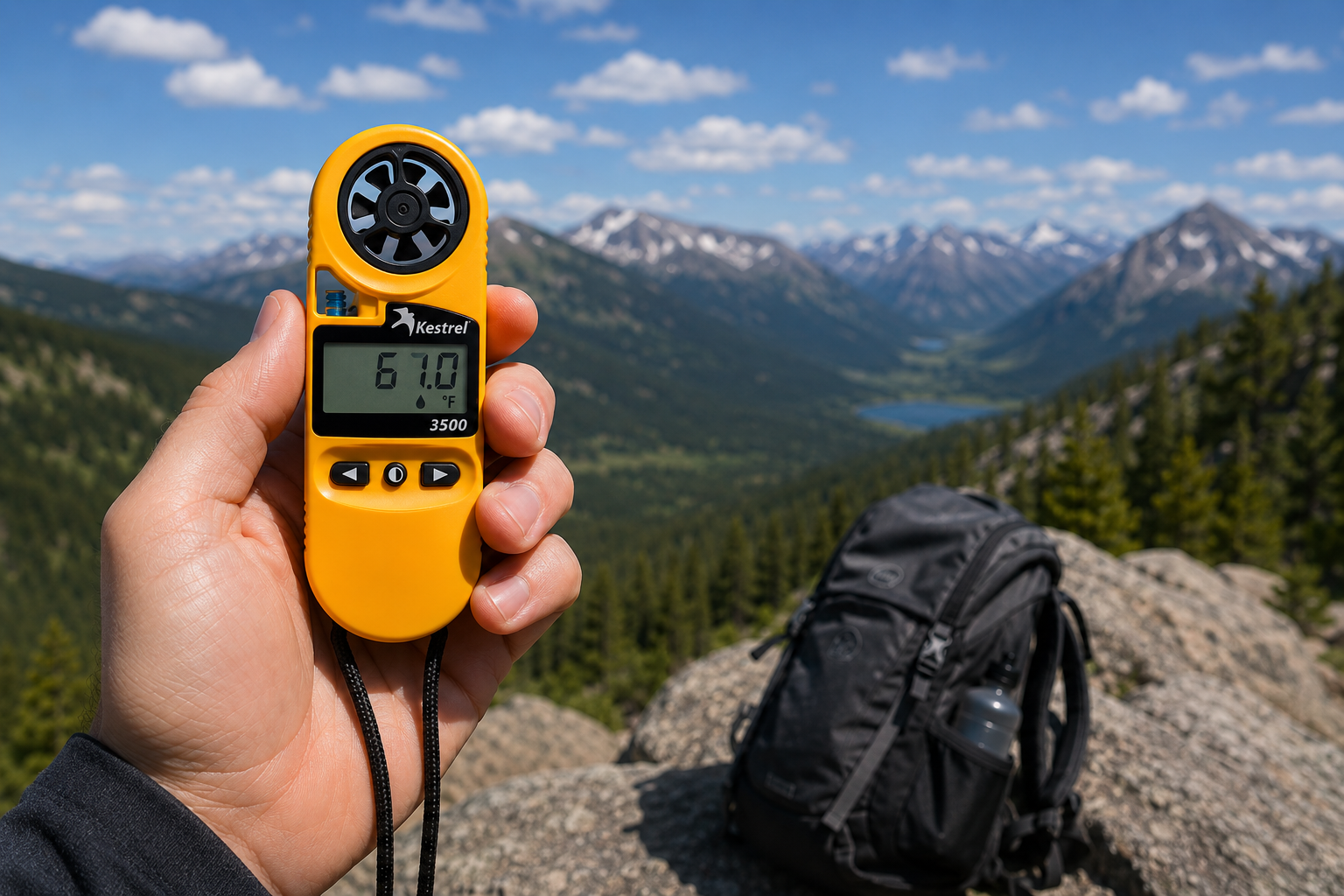
Kestrel 3500 Pocket Weather Meter: The Field-Ready Tool You've Been Looking For
The Kestrel 3500 Pocket Weather Meter measures wind speed, temperature, humidity, pressure, heat stress, and wind chill in a rugged, waterproof, USA-made instrument. Here's why it belongs in your field kit.
Read moreabout Kestrel 3500 Pocket Weather Meter: The Field-Ready Tool You've Been Looking For
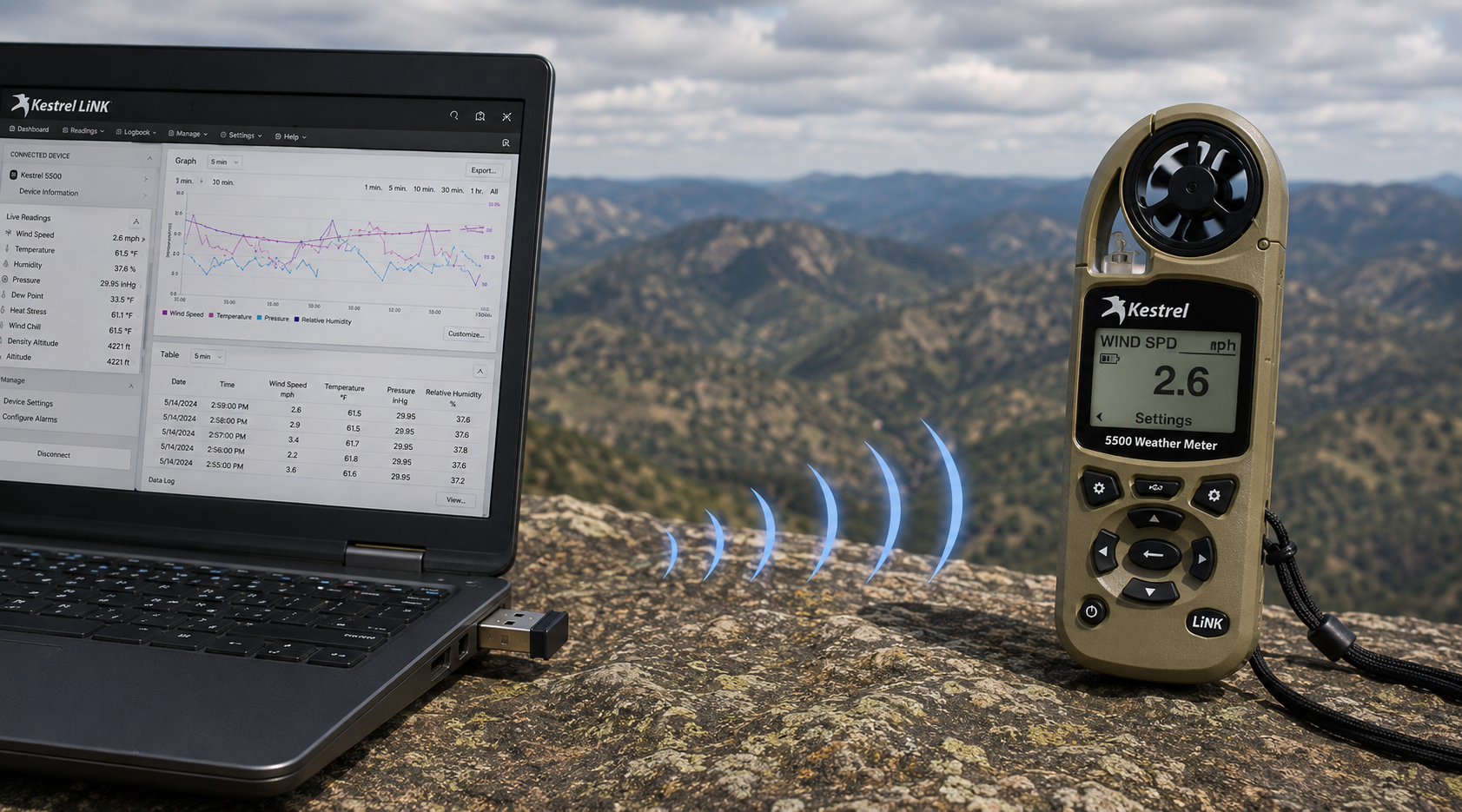
Kestrel LiNK Wireless USB Dongle – What It Does and When You Need It
The Kestrel LiNK Wireless USB Dongle enables wireless data transfer and firmware updates between Kestrel 5 Series LiNK meters and your Windows PC or Mac. Learn what it does, who needs it, and how it fits into your field data workflow.
Read moreabout Kestrel LiNK Wireless USB Dongle – What It Does and When You Need It
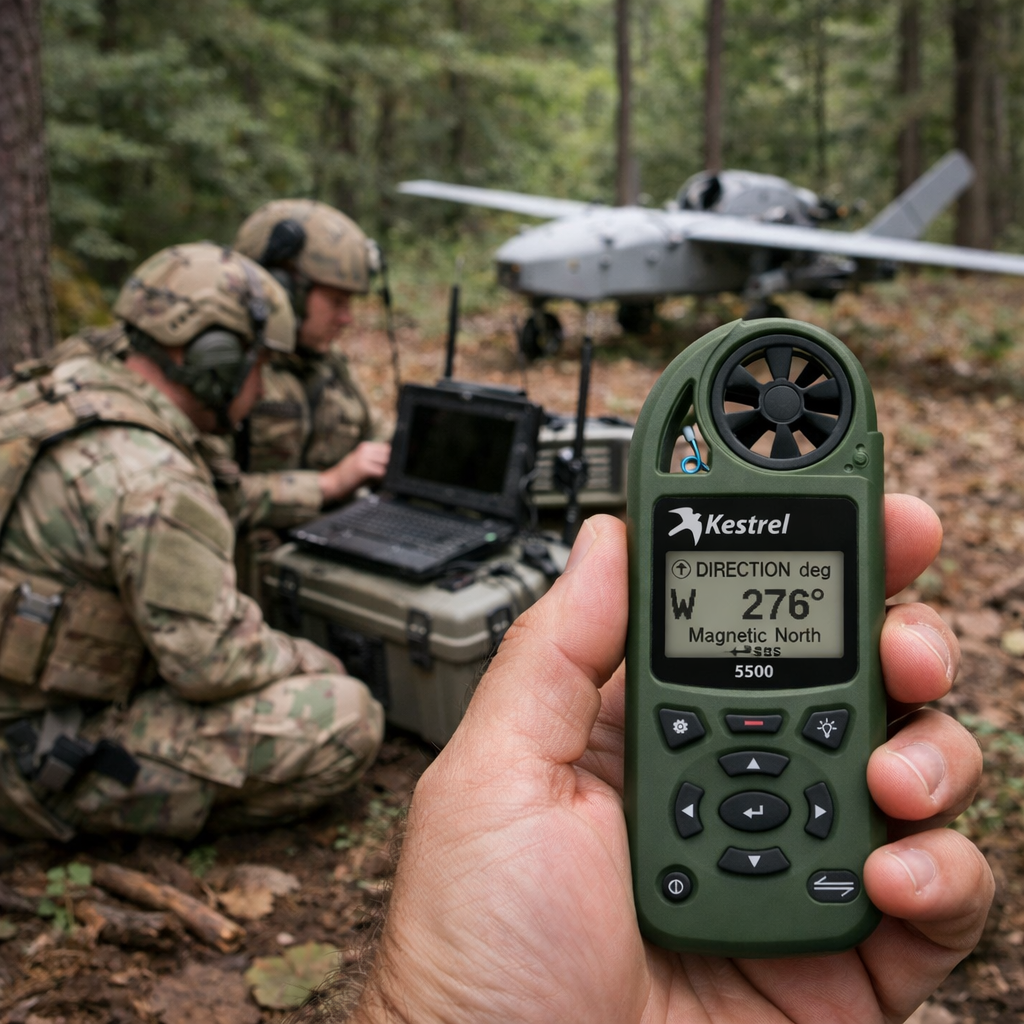
Kestrel 5500 Weather Meter: A Force Multiplier for Military Drone Operations
Discover how the Kestrel 5500 Weather Meter gives military drone units a critical edge — delivering real-time wind, density altitude, and atmospheric data in a rugged, field-ready package.
Read moreabout Kestrel 5500 Weather Meter: A Force Multiplier for Military Drone Operations
Share:
I don't think my wind speed is reporting correctly. What can I do?
Tips for taking accurate measurements with your Kestrel Meter