

Frequently asked questions about Kestrel Ballistics Meters.
Latest Stories
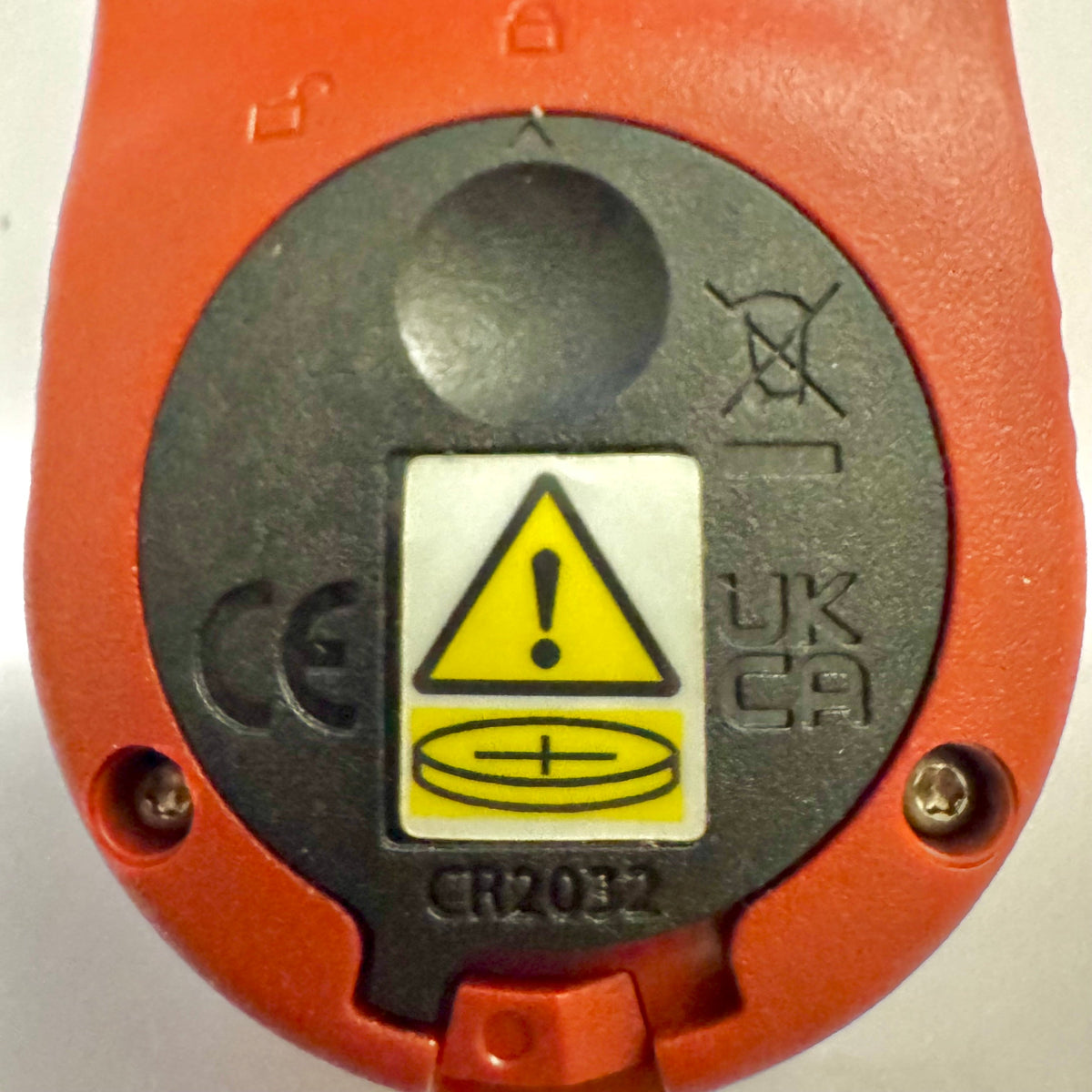
Kestrel Basic Meters Get a New Battery Door for Reese’s Law
If you've recently purchased a Kestrel Basic Series meter, you may notice that the battery door looks different from older Kestrel models. This is an intentional design change to comply with updated federal requirements for products using coin-cell batteries.
Read moreabout Kestrel Basic Meters Get a New Battery Door for Reese’s Law
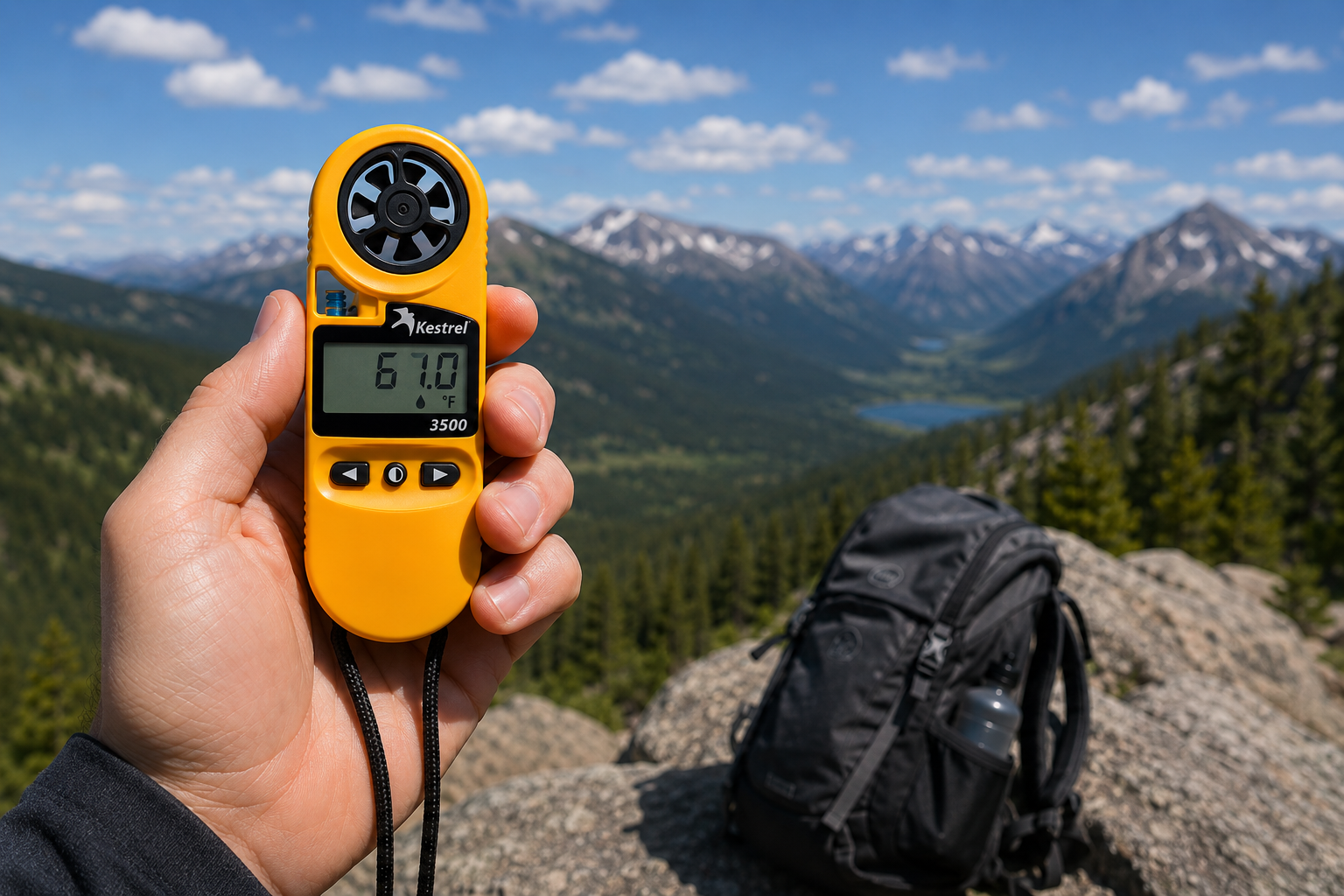
Kestrel 3500 Pocket Weather Meter: The Field-Ready Tool You've Been Looking For
The Kestrel 3500 Pocket Weather Meter measures wind speed, temperature, humidity, pressure, heat stress, and wind chill in a rugged, waterproof, USA-made instrument. Here's why it belongs in your field kit.
Read moreabout Kestrel 3500 Pocket Weather Meter: The Field-Ready Tool You've Been Looking For
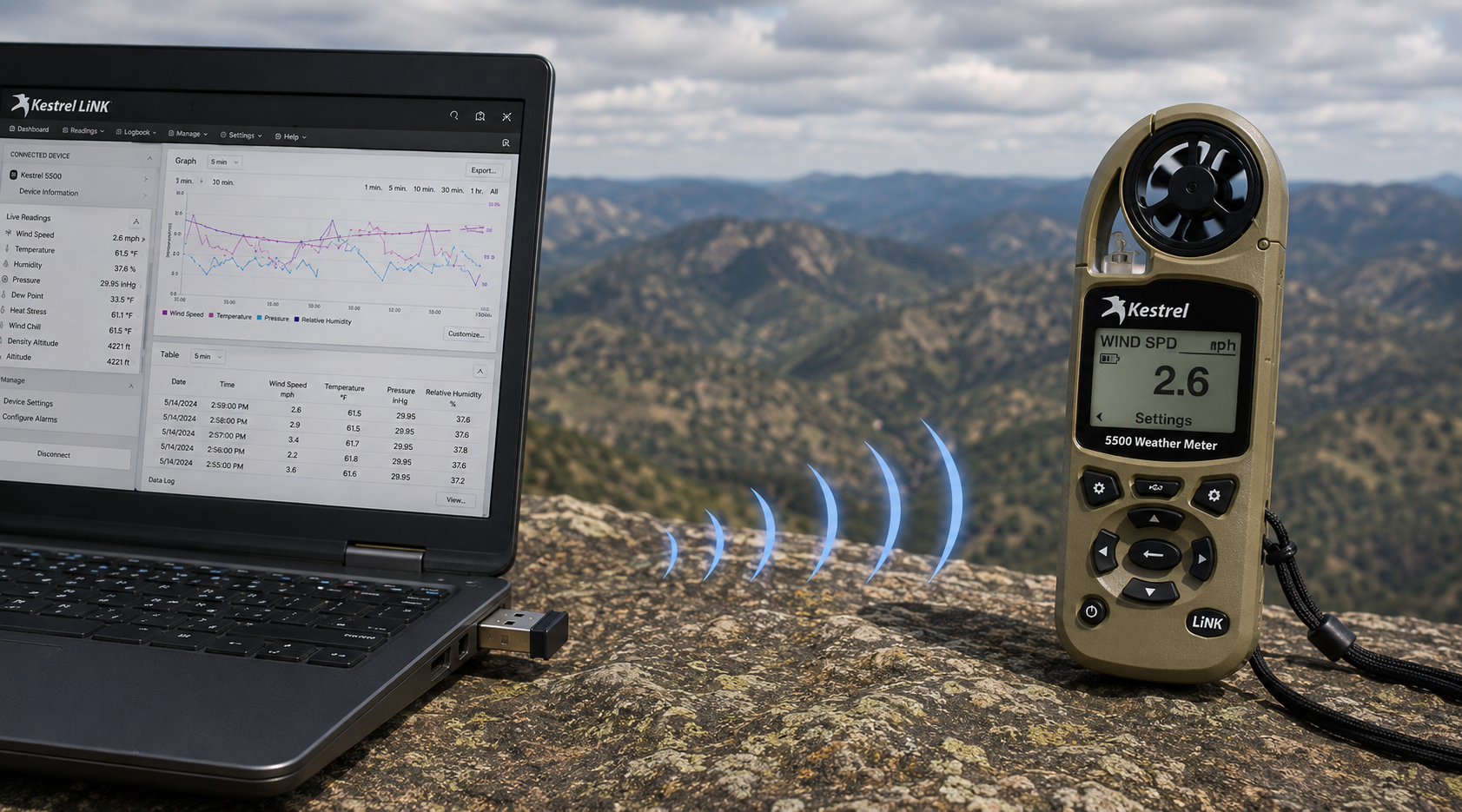
Kestrel LiNK Wireless USB Dongle – What It Does and When You Need It
The Kestrel LiNK Wireless USB Dongle enables wireless data transfer and firmware updates between Kestrel 5 Series LiNK meters and your Windows PC or Mac. Learn what it does, who needs it, and how it fits into your field data workflow.
Read moreabout Kestrel LiNK Wireless USB Dongle – What It Does and When You Need It
Share:
Team from Adobe Bluffs Elementary School use a Kestrel 4500 to win the Lego League Global Challenge
Understanding Pressure, Altitude and Density Altitude
9 comments
Hi Walter,
You need to download the Kestrel LiNK Ballistics App on your iPhone or iPad for the the meter to make the connection. Open and connect through the app once it is installed. Just be sure you have Bluetooth turned on with your iPad and iPhone. You can also use the Kestrel LiNK app for iPhone / Pad but that app is just for environmental info so your meter can double as a portable weather station.
Kestrel LiNK Ballistics App: https://itunes.apple.com/us/app/kestrel-link-ballistics/id1059522399?mt=8
Kestrel LiNK App: https://itunes.apple.com/us/app/kestrel-link/id698732837?mt=8
Hi, I am having trouble getting my Kestrel Elite with Bluetooth LiNK to connect to my iPhone and iPad. Can you help?
Hi Jim,
Sorry your Horus will always be a Horus. Same for the Applied Ballistics. The meters are internally different and cannot be reprogrammed with different ballistics software though they can be upgraded to different versions of their own software.
I have a Kestrel 4500 with the Horus ballistic program with blue tooth. Can I have Kestrel reprogrammed to Applied Ballistics for a fee ?
Michael, You should be able to Pin to the Taskbar. I just did it with Kestrel Communicator on Windows 8.1. For the Gunloader, make sure the you are trying to pin the actual application file (.exe) file to the taskbar instead of a shortcut. Some people try and pin the shortcut to the taskbar and this is what doesn’t work. Thanks!