The Issue could be the impeller or the unit itself.

  • Try the following steps to see if the impeller is bad.
  1. Pop out impeller and then reinsert to see if issue resolved.
  2. If not, go get a magnet. A refrigerator magnet is fine.
  3. Pop out the impeller and put Kestrel display screen on Wind.
  4. Move magnet around impeller area and take note of any wind reading.
  5. If a small wind reading appears, impeller is defective: replace the impeller with a new impeller from ExtremeMeters.com.
  6. If no wind reading appears, unit is defective:  send unit into NK for repair.
Latest Stories

View all

Kestrel Basic Meters Get a New Battery Door for Reese’s Law

Kestrel Basic Meters Get a New Battery Door for Reese’s Law

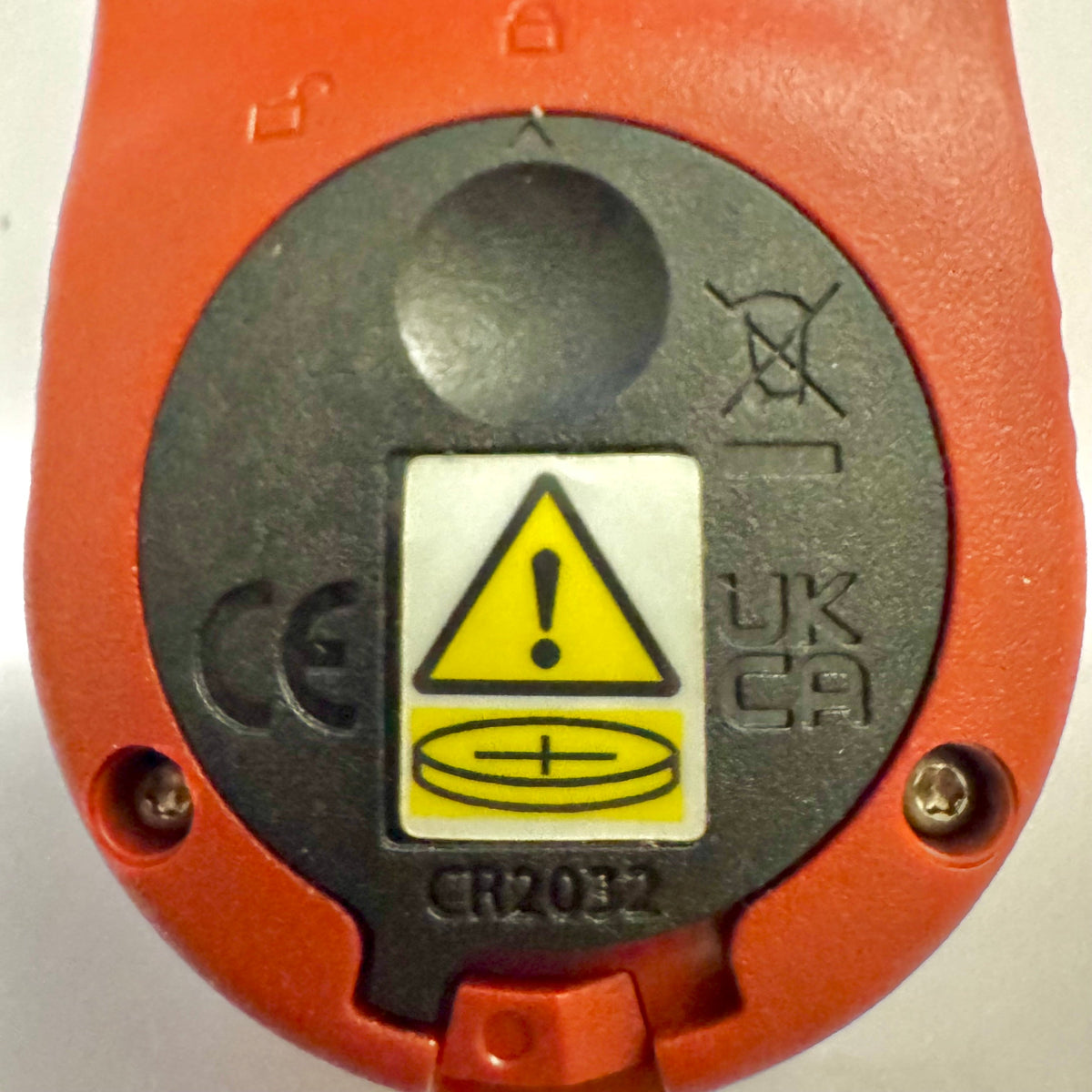
If you've recently purchased a Kestrel Basic Series meter, you may notice that the battery door looks different from older Kestrel models. This is an intentional design change to comply with updated federal requirements for products using coin-cell batteries.

Read moreabout Kestrel Basic Meters Get a New Battery Door for Reese’s Law

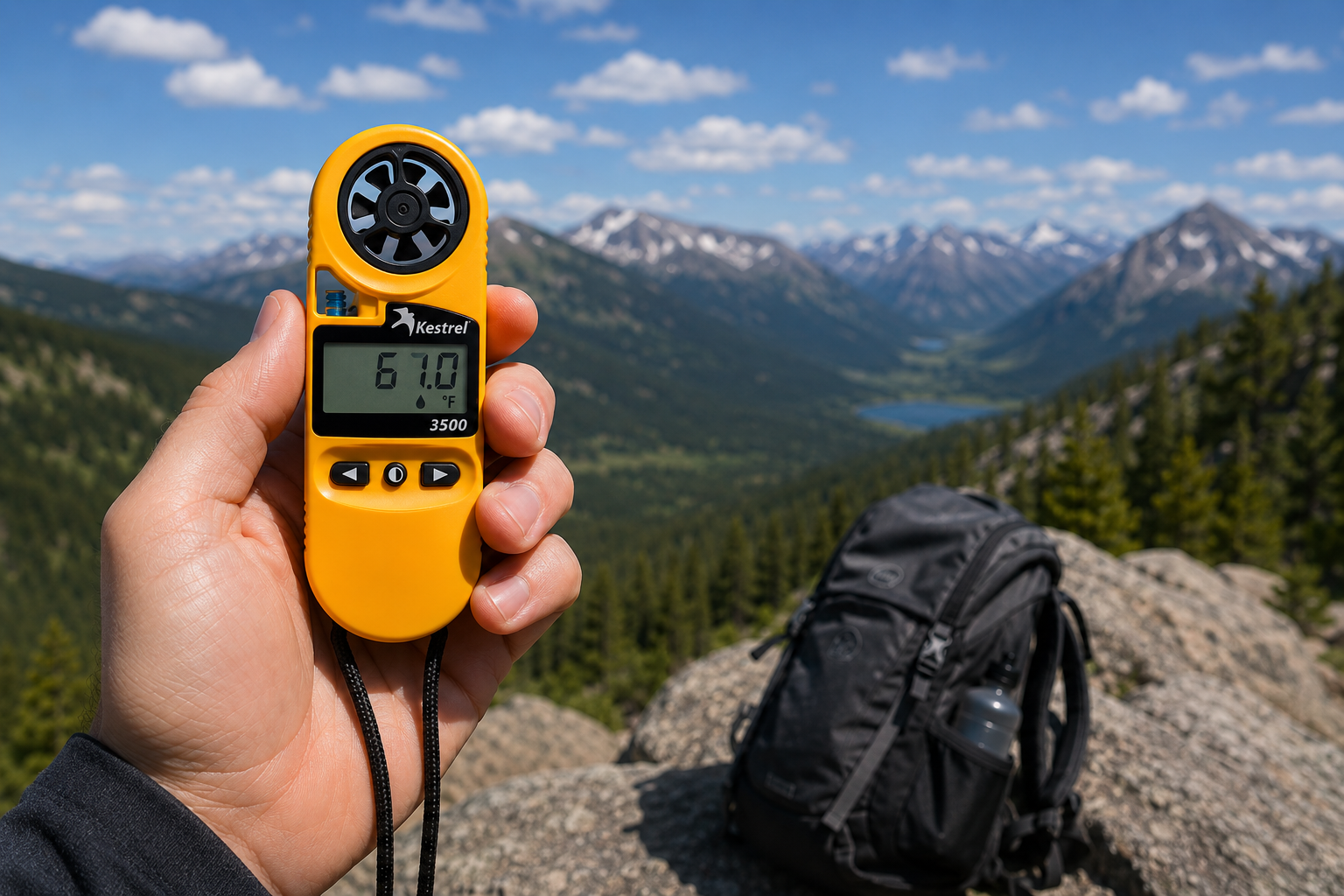
Kestrel 3500 Pocket Weather Meter: The Field-Ready Tool You've Been Looking For

Kestrel 3500 Pocket Weather Meter: The Field-Ready Tool You've Been Looking For

The Kestrel 3500 Pocket Weather Meter measures wind speed, temperature, humidity, pressure, heat stress, and wind chill in a rugged, waterproof, USA-made instrument. Here's why it belongs in your field kit.

Read moreabout Kestrel 3500 Pocket Weather Meter: The Field-Ready Tool You've Been Looking For

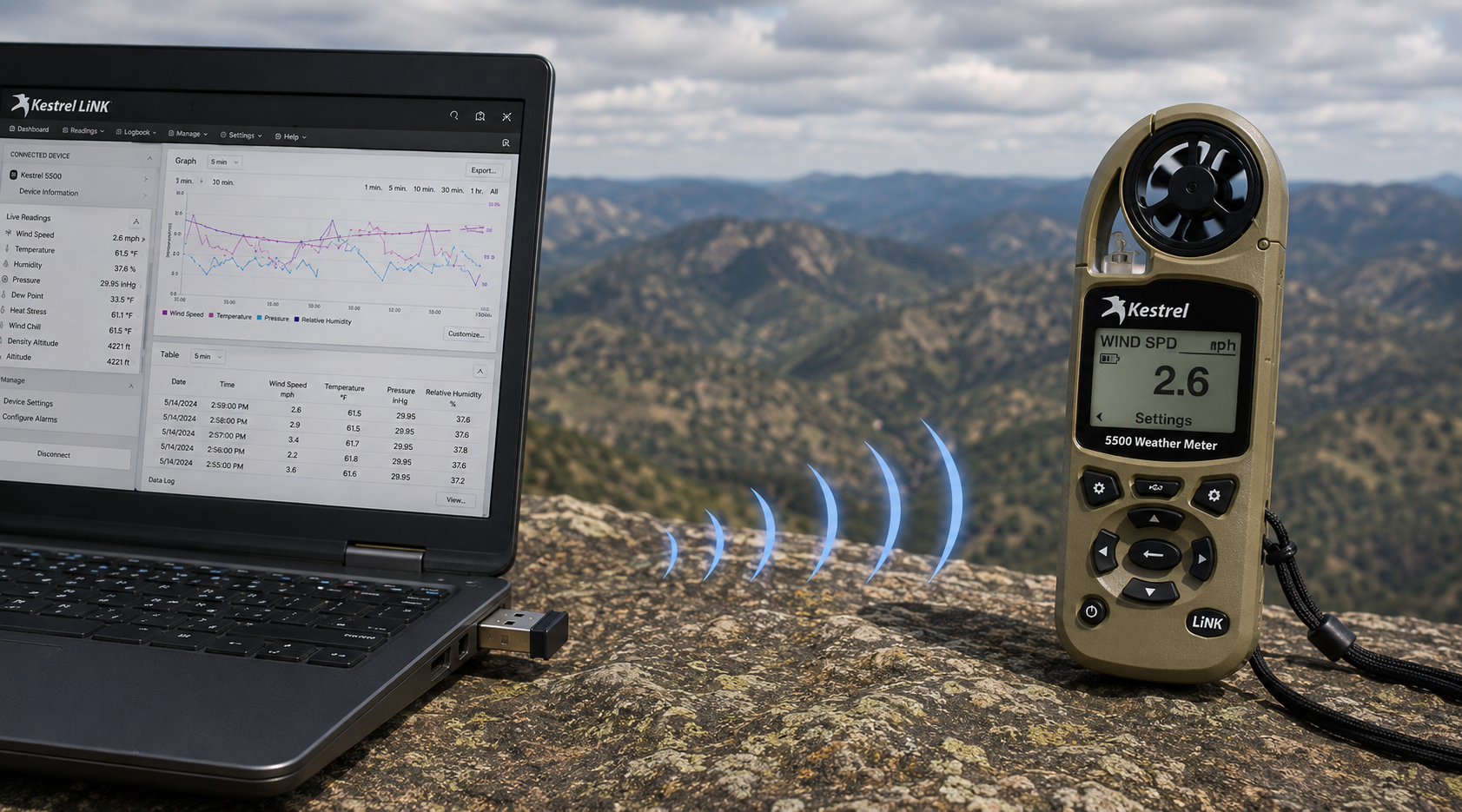
Kestrel LiNK Wireless USB Dongle – What It Does and When You Need It

Kestrel LiNK Wireless USB Dongle – What It Does and When You Need It

The Kestrel LiNK Wireless USB Dongle enables wireless data transfer and firmware updates between Kestrel 5 Series LiNK meters and your Windows PC or Mac. Learn what it does, who needs it, and how it fits into your field data workflow.

Read moreabout Kestrel LiNK Wireless USB Dongle – What It Does and When You Need It