

- oleh Mike M
Pertanyaan tentang Pengukur Balistik Kestrel
- oleh Mike M
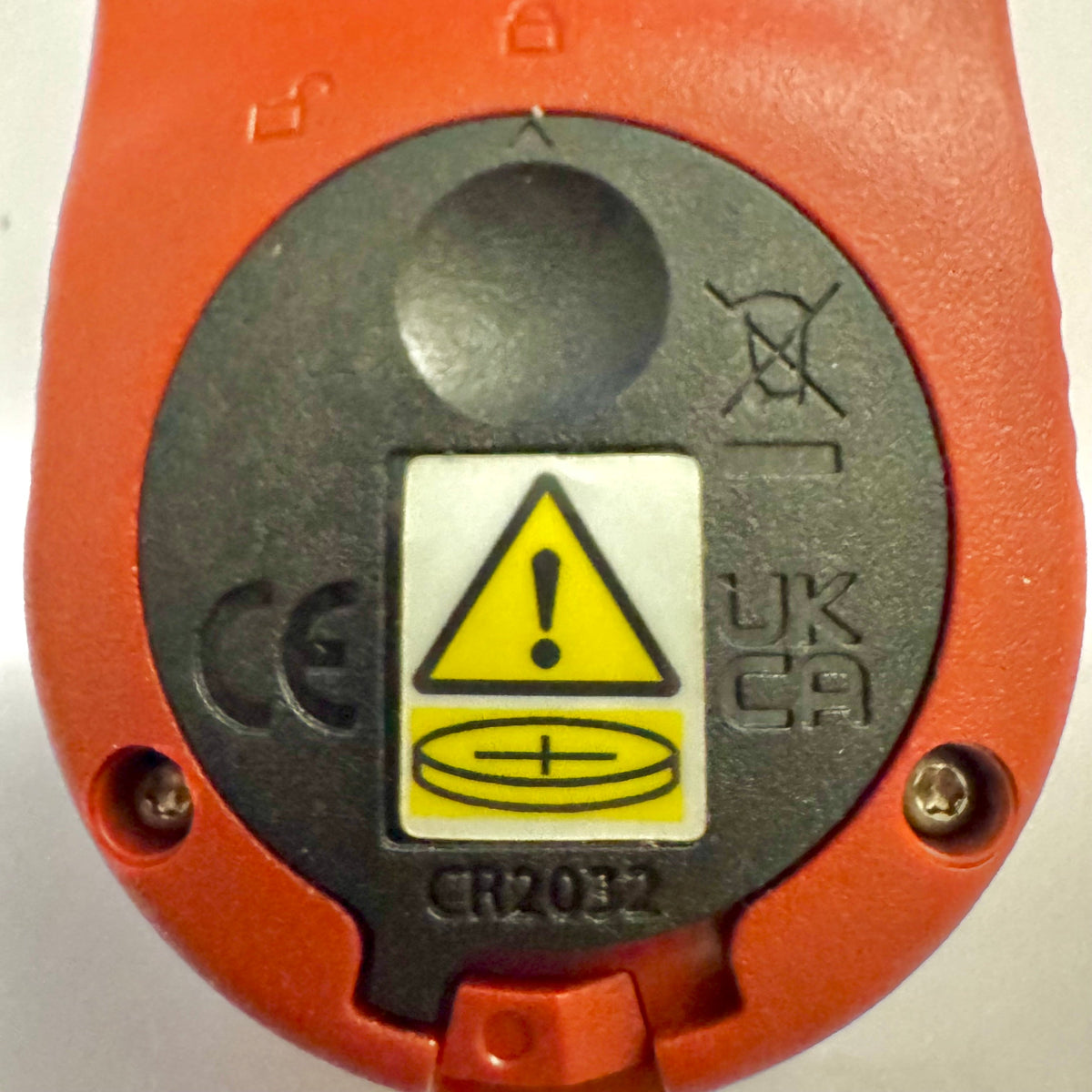
Pengukur Kestrel Basic Mendapatkan Penutup Baterai Baru untuk Mematuhi Reese’s Law
Jika Anda baru-baru ini membeli alat ukur Kestrel Basic Series, Anda mungkin menyadari bahwa penutup baterainya terlihat berbeda dari model Kestrel sebelumnya. Ini merupakan perubahan desain yang disengaja untuk mematuhi persyaratan federal terbaru bagi produk yang menggunakan baterai koin.
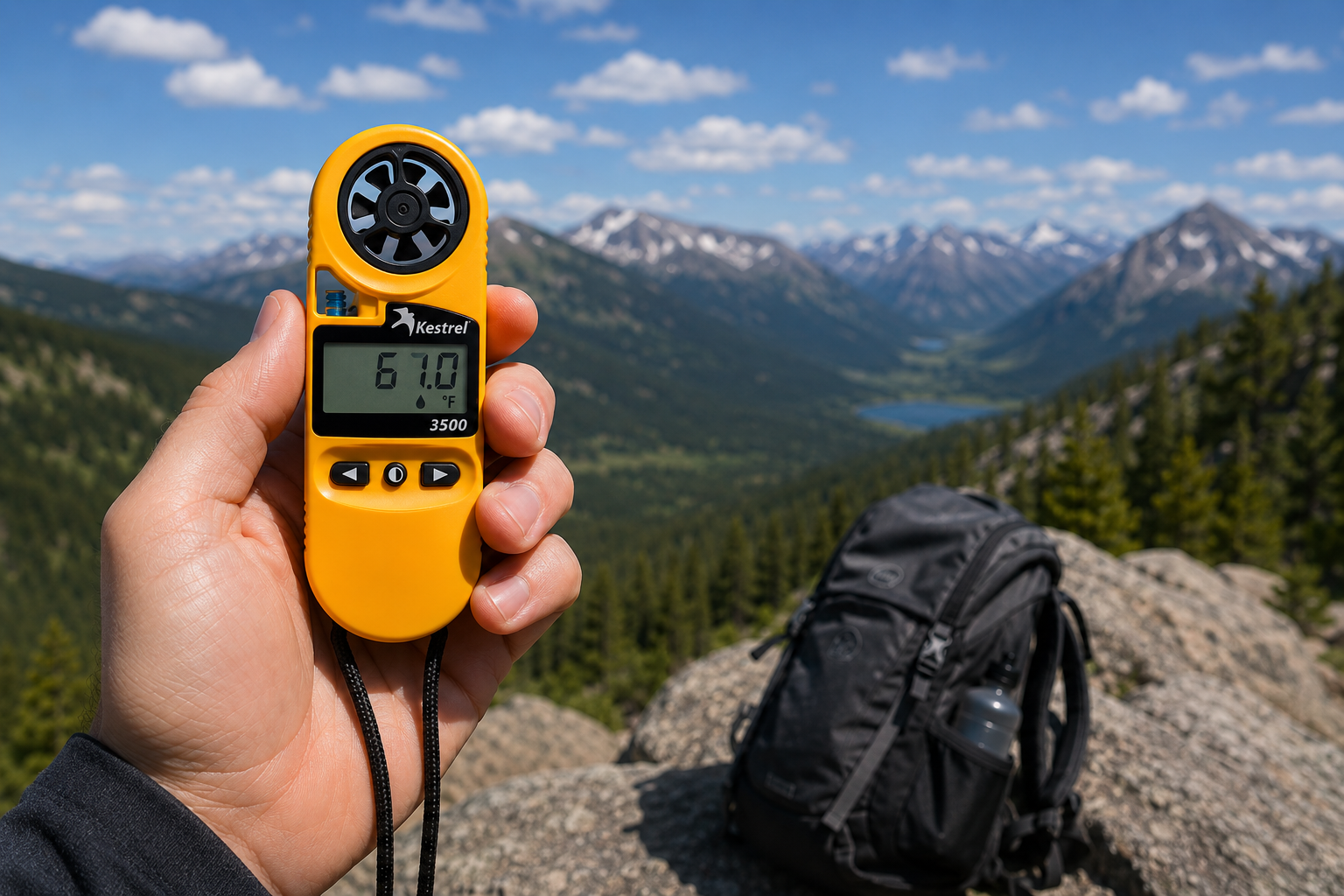
Meter Cuaca Saku Kestrel 3500: Alat Siap Lapangan yang Selama Ini Anda Cari
Baca selengkapnyatentang Meter Cuaca Saku Kestrel 3500: Alat Siap Lapangan yang Selama Ini Anda Cari
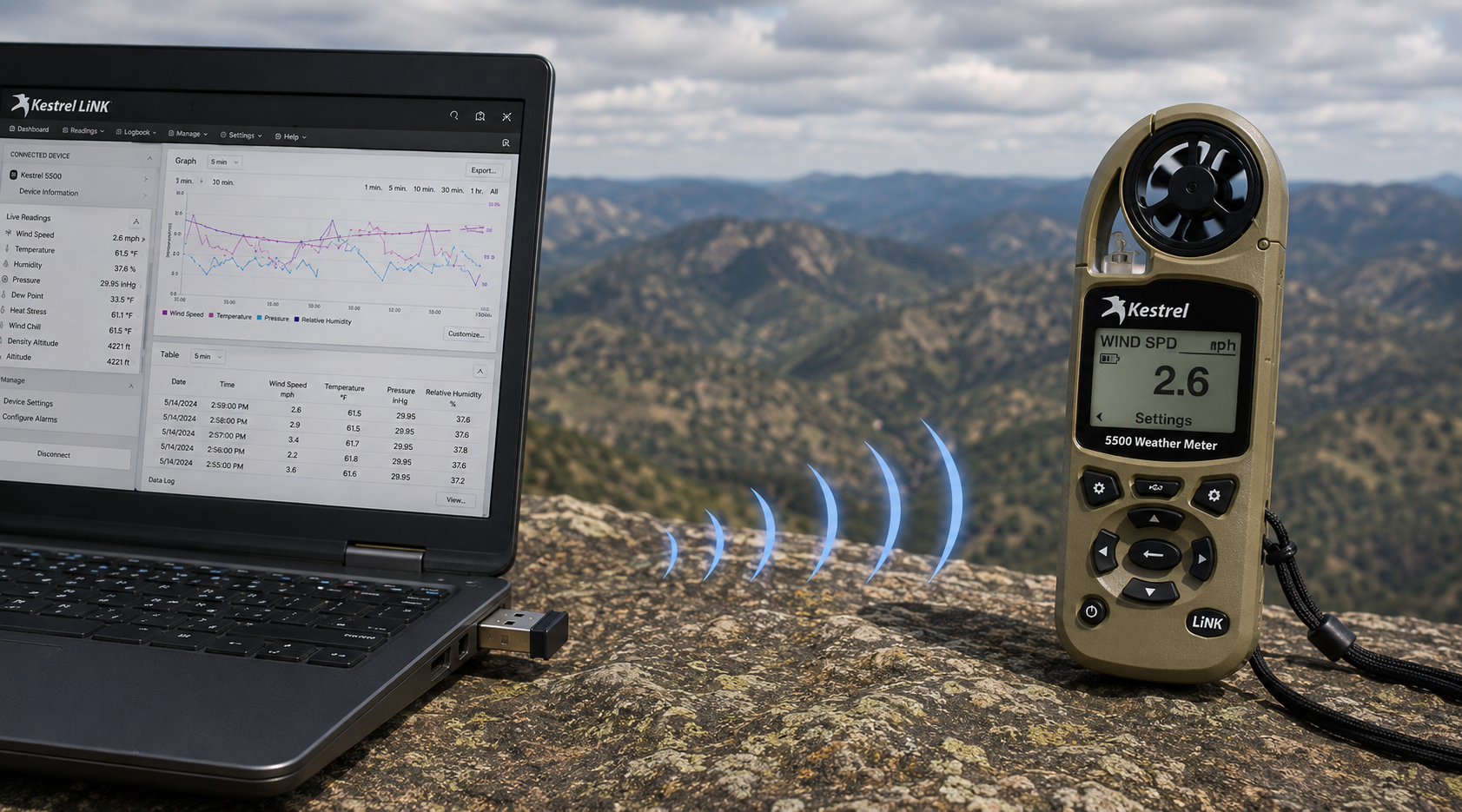
Dongle USB Nirkabel Kestrel LiNK – Fungsinya dan Kapan Anda Membutuhkannya
Baca selengkapnyatentang Dongle USB Nirkabel Kestrel LiNK – Fungsinya dan Kapan Anda Membutuhkannya
Bagikan:
Tim dari Sekolah Dasar Adobe Bluffs menggunakan Kestrel 4500 untuk memenangkan Tantangan Global Lego League
Memahami Tekanan, Ketinggian, dan Ketinggian Kepadatan
9 komentar
Hi Walter,
You need to download the Kestrel LiNK Ballistics App on your iPhone or iPad for the the meter to make the connection. Open and connect through the app once it is installed. Just be sure you have Bluetooth turned on with your iPad and iPhone. You can also use the Kestrel LiNK app for iPhone / Pad but that app is just for environmental info so your meter can double as a portable weather station.
Kestrel LiNK Ballistics App: https://itunes.apple.com/us/app/kestrel-link-ballistics/id1059522399?mt=8
Kestrel LiNK App: https://itunes.apple.com/us/app/kestrel-link/id698732837?mt=8
Hi, I am having trouble getting my Kestrel Elite with Bluetooth LiNK to connect to my iPhone and iPad. Can you help?
Hi Jim,
Sorry your Horus will always be a Horus. Same for the Applied Ballistics. The meters are internally different and cannot be reprogrammed with different ballistics software though they can be upgraded to different versions of their own software.
I have a Kestrel 4500 with the Horus ballistic program with blue tooth. Can I have Kestrel reprogrammed to Applied Ballistics for a fee ?
Michael, You should be able to Pin to the Taskbar. I just did it with Kestrel Communicator on Windows 8.1. For the Gunloader, make sure the you are trying to pin the actual application file (.exe) file to the taskbar instead of a shortcut. Some people try and pin the shortcut to the taskbar and this is what doesn’t work. Thanks!