

Veelgestelde vragen over Kestrel Ballistiekmeters.
Laatste Verhalen
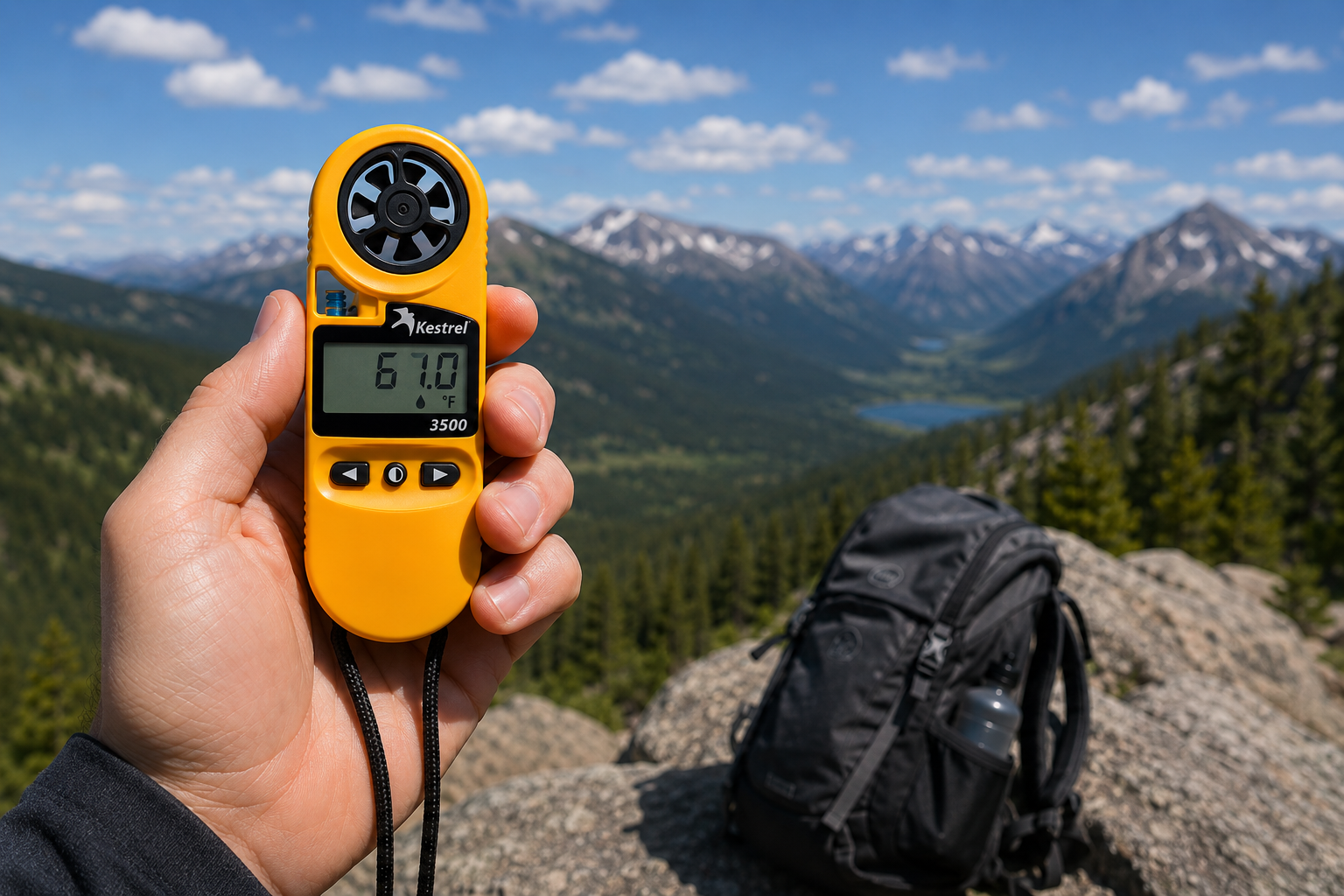
Kestrel 3500 Pocket Weather Meter: Het veldklare hulpmiddel waar je naar op zoek bent
De Kestrel 3500 Pocket Weather Meter meet windsnelheid, temperatuur, vochtigheid, druk, warmtebelasting en gevoelstemperatuur in een robuust, waterdicht instrument, gemaakt in de VS. Dit is waarom het in jouw velduitrusting thuishoort.
Lees meerover Kestrel 3500 Pocket Weather Meter: Het veldklare hulpmiddel waar je naar op zoek bent
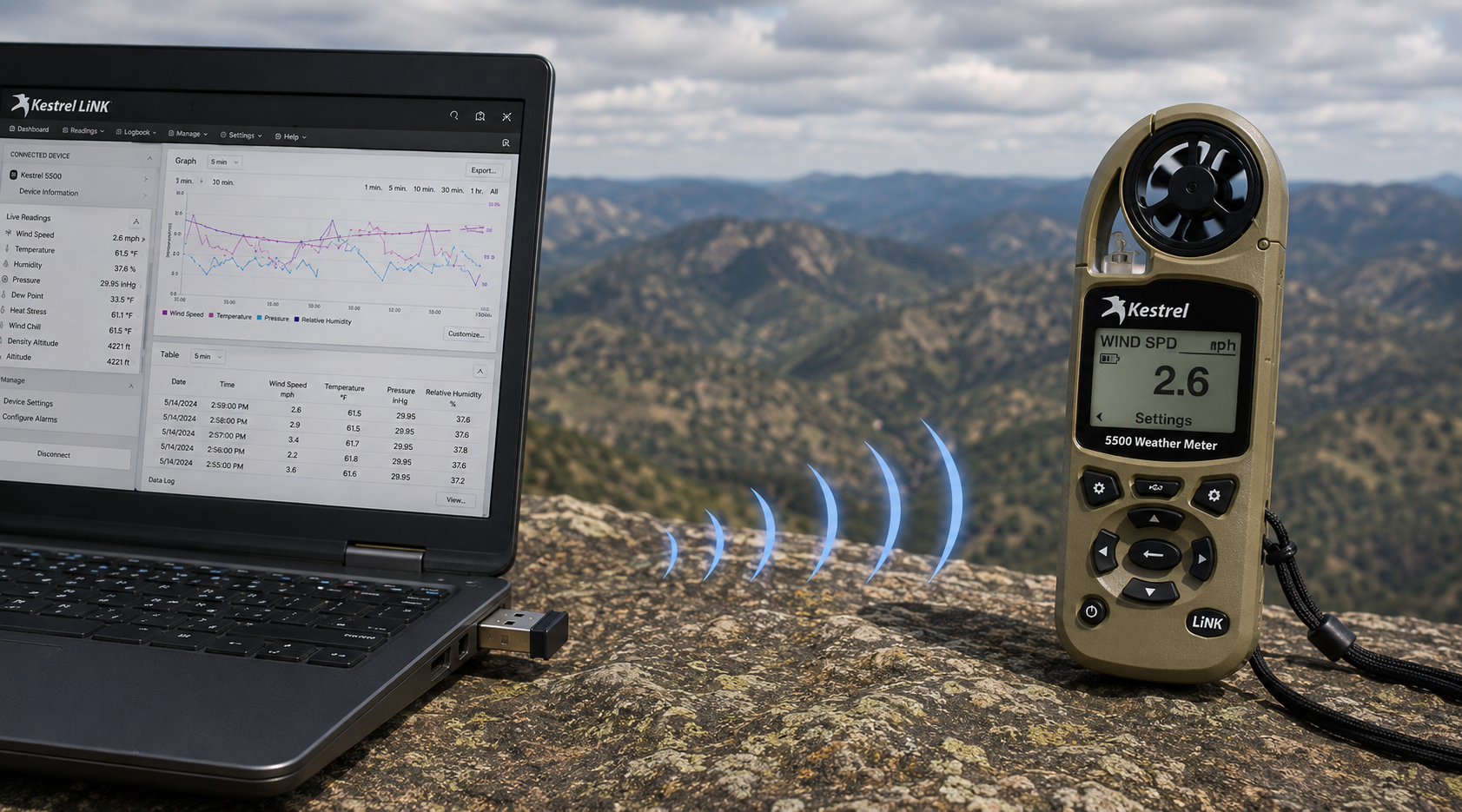
Kestrel LiNK Draadloze USB-dongle – Wat het doet en wanneer je het nodig hebt
De Kestrel LiNK Draadloze USB Dongle maakt draadloze gegevensoverdracht en firmware-updates mogelijk tussen Kestrel 5 Series LiNK meters en uw Windows-pc of Mac. Ontdek wat het doet, wie het nodig heeft en hoe het past in uw workflow voor veldgegevens.
Lees meerover Kestrel LiNK Draadloze USB-dongle – Wat het doet en wanneer je het nodig hebt
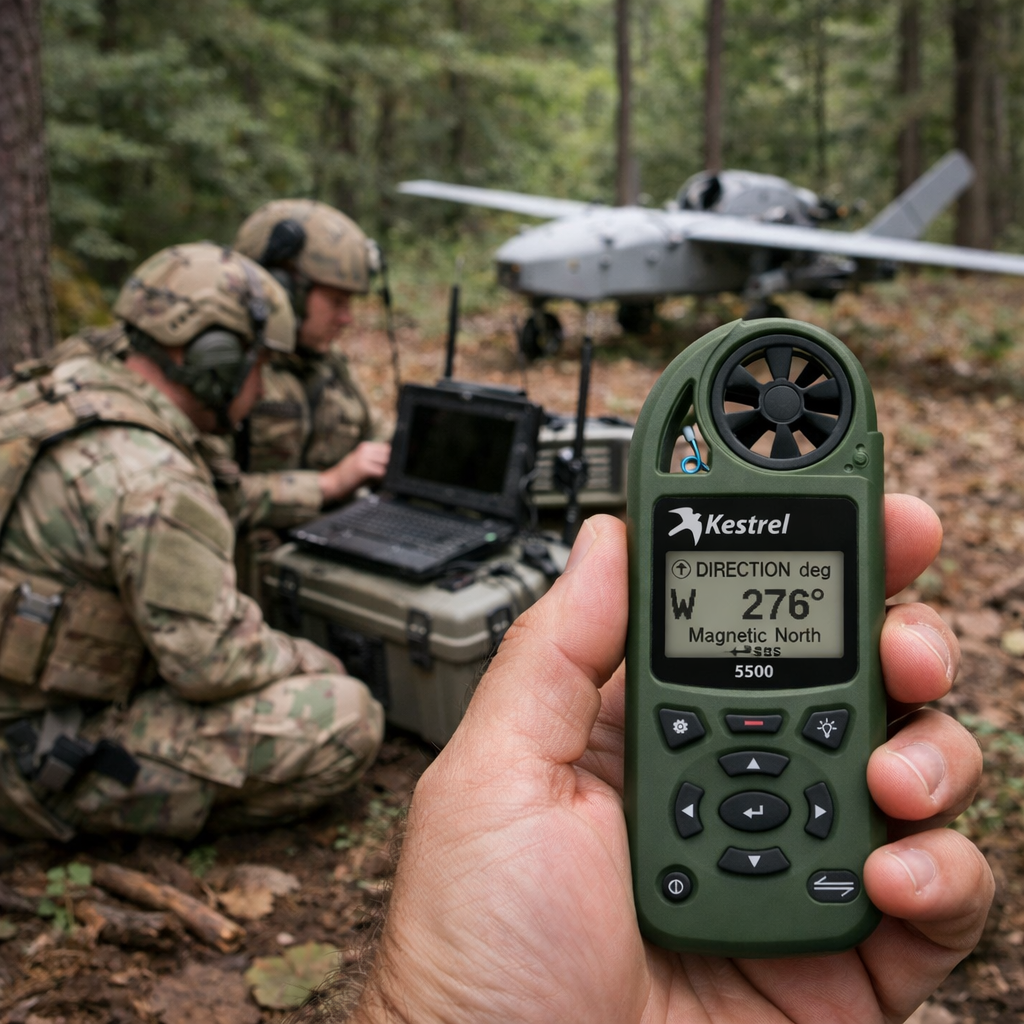
Kestrel 5500 Weermeter: een krachtvermenigvuldiger voor militaire drone-operaties
Ontdek hoe de Kestrel 5500 Weermeter militaire drone-eenheden een cruciaal voordeel biedt — door realtime wind-, dichtheidshoogte- en atmosferische gegevens te leveren in een robuuste, veldklare behuizing.
Lees meerover Kestrel 5500 Weermeter: een krachtvermenigvuldiger voor militaire drone-operaties
Delen:
Team van Adobe Bluffs Elementary School gebruikt een Kestrel 4500 om de Lego League Global Challenge te winnen
Begrip van Druk, Hoogte en Dichtheidshoogte
9 opmerkingen
Hi Walter,
You need to download the Kestrel LiNK Ballistics App on your iPhone or iPad for the the meter to make the connection. Open and connect through the app once it is installed. Just be sure you have Bluetooth turned on with your iPad and iPhone. You can also use the Kestrel LiNK app for iPhone / Pad but that app is just for environmental info so your meter can double as a portable weather station.
Kestrel LiNK Ballistics App: https://itunes.apple.com/us/app/kestrel-link-ballistics/id1059522399?mt=8
Kestrel LiNK App: https://itunes.apple.com/us/app/kestrel-link/id698732837?mt=8
Hi, I am having trouble getting my Kestrel Elite with Bluetooth LiNK to connect to my iPhone and iPad. Can you help?
Hi Jim,
Sorry your Horus will always be a Horus. Same for the Applied Ballistics. The meters are internally different and cannot be reprogrammed with different ballistics software though they can be upgraded to different versions of their own software.
I have a Kestrel 4500 with the Horus ballistic program with blue tooth. Can I have Kestrel reprogrammed to Applied Ballistics for a fee ?
Michael, You should be able to Pin to the Taskbar. I just did it with Kestrel Communicator on Windows 8.1. For the Gunloader, make sure the you are trying to pin the actual application file (.exe) file to the taskbar instead of a shortcut. Some people try and pin the shortcut to the taskbar and this is what doesn’t work. Thanks!