

- autor: Mike M
Pytania dotyczące mierników balistycznych Kestrel
- autor: Mike M
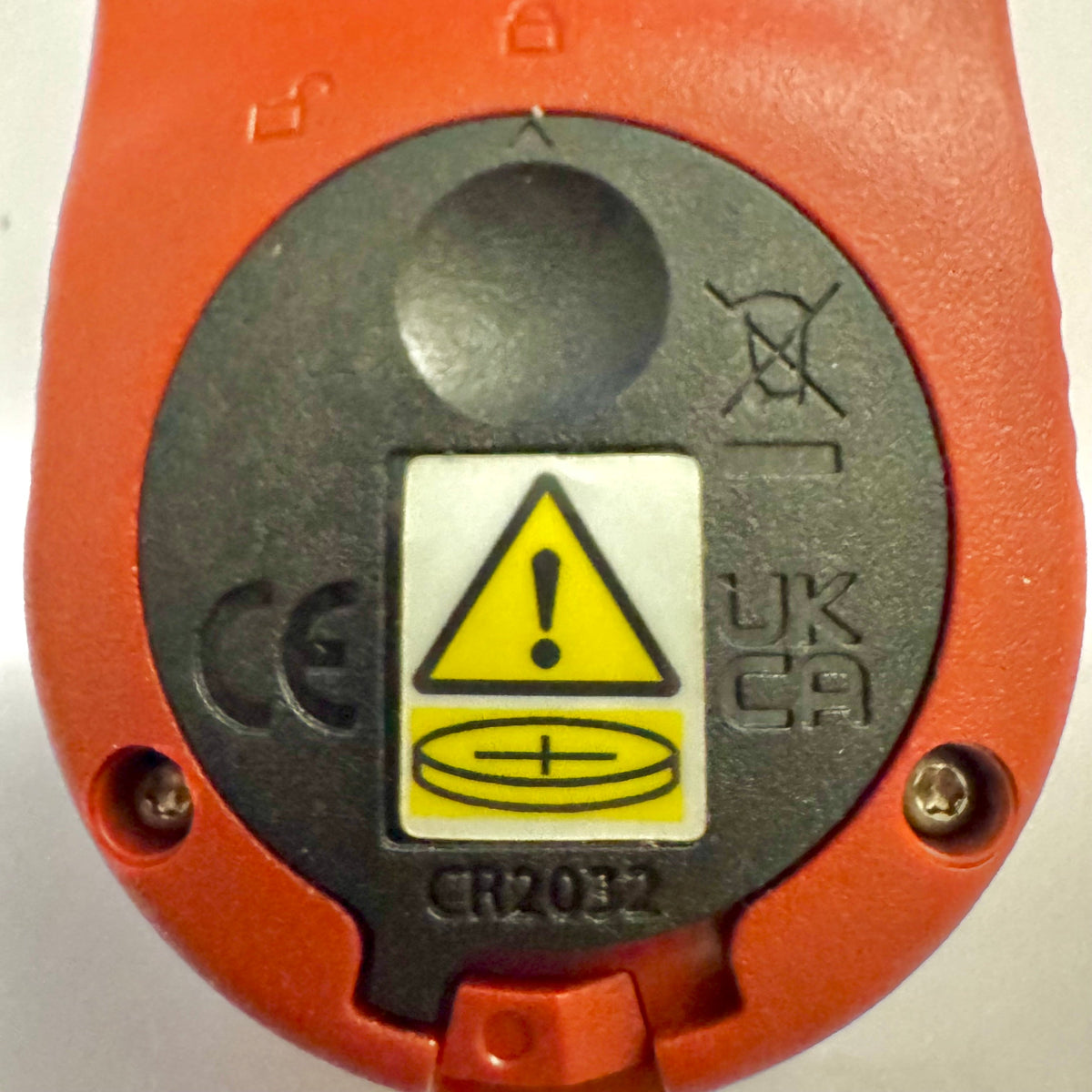
Podstawowe mierniki Kestrel otrzymują nową pokrywę baterii zgodną z ustawą Reese’a
Jeśli niedawno kupiono miernik Kestrel Basic Series, można zauważyć, że pokrywa baterii wygląda inaczej niż w starszych modelach Kestrel. Jest to zamierzona zmiana konstrukcyjna mająca na celu spełnienie zaktualizowanych wymogów federalnych dotyczących produktów zasilanych bateriami pastylkowymi.
Czytaj więcejo Podstawowe mierniki Kestrel otrzymują nową pokrywę baterii zgodną z ustawą Reese’a
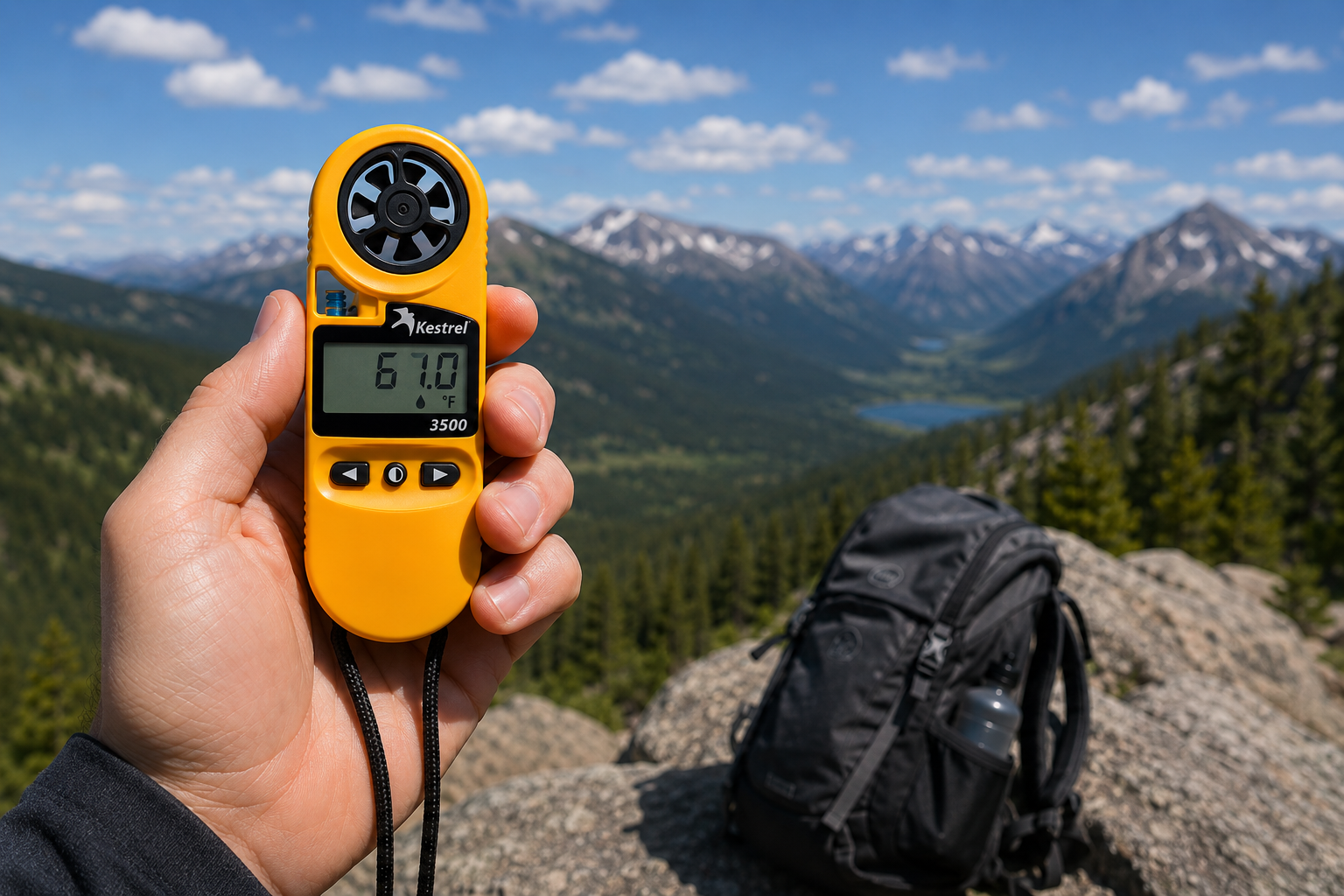
Kieszonkowy miernik pogody Kestrel 3500: gotowe do pracy w terenie narzędzie, którego szukasz
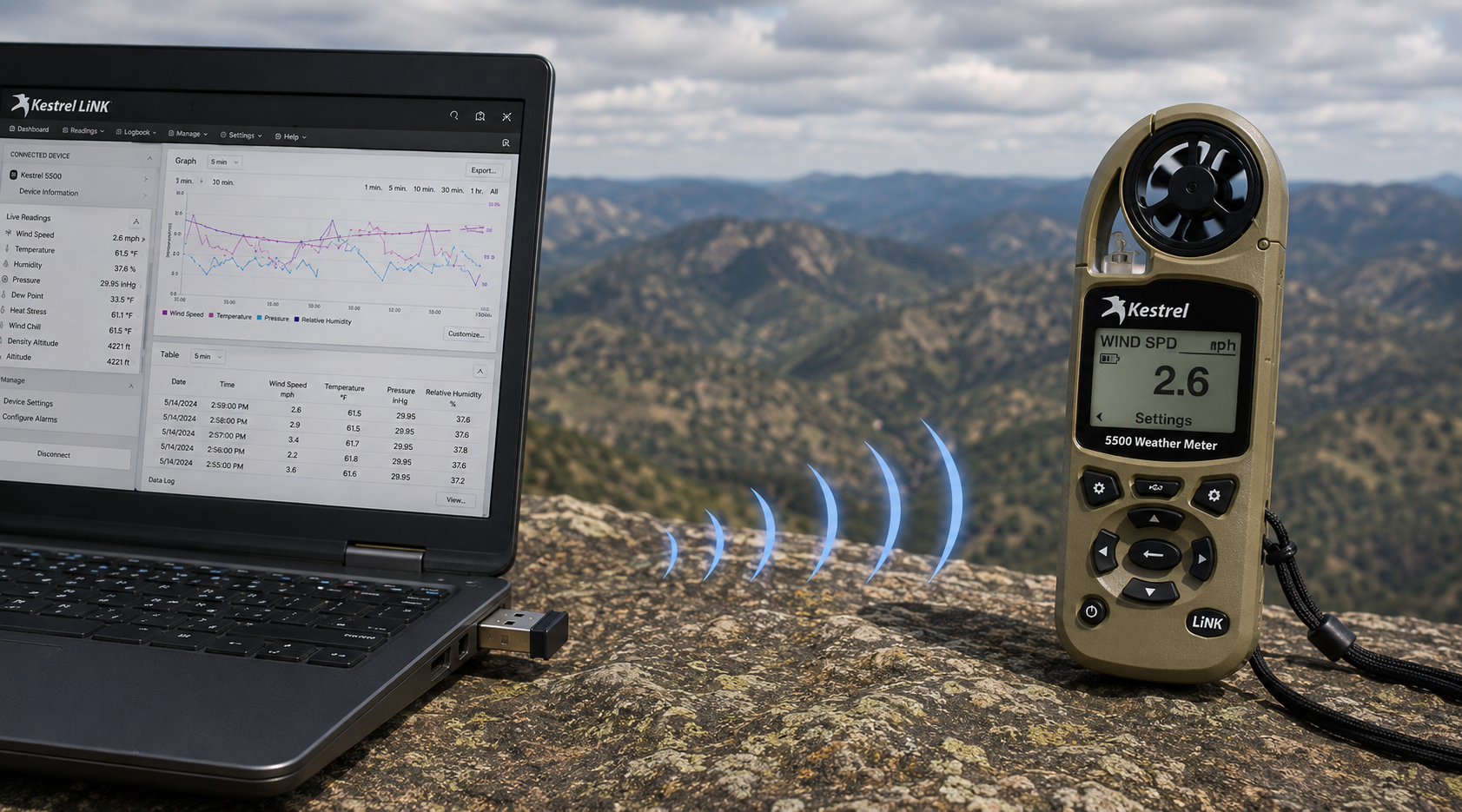
Bezprzewodowy adapter USB Kestrel LiNK – do czego służy i kiedy go potrzebujesz
Czytaj więcejo Bezprzewodowy adapter USB Kestrel LiNK – do czego służy i kiedy go potrzebujesz
Udostępnij:
Zespół ze szkoły podstawowej Adobe Bluffs wykorzystuje Kestrel 4500, aby wygrać Globalne Wyzwanie Lego League
Zrozumienie ciśnienia, wysokości i wysokości gęstościowej
9 komentarzy
Hi Walter,
You need to download the Kestrel LiNK Ballistics App on your iPhone or iPad for the the meter to make the connection. Open and connect through the app once it is installed. Just be sure you have Bluetooth turned on with your iPad and iPhone. You can also use the Kestrel LiNK app for iPhone / Pad but that app is just for environmental info so your meter can double as a portable weather station.
Kestrel LiNK Ballistics App: https://itunes.apple.com/us/app/kestrel-link-ballistics/id1059522399?mt=8
Kestrel LiNK App: https://itunes.apple.com/us/app/kestrel-link/id698732837?mt=8
Hi, I am having trouble getting my Kestrel Elite with Bluetooth LiNK to connect to my iPhone and iPad. Can you help?
Hi Jim,
Sorry your Horus will always be a Horus. Same for the Applied Ballistics. The meters are internally different and cannot be reprogrammed with different ballistics software though they can be upgraded to different versions of their own software.
I have a Kestrel 4500 with the Horus ballistic program with blue tooth. Can I have Kestrel reprogrammed to Applied Ballistics for a fee ?
Michael, You should be able to Pin to the Taskbar. I just did it with Kestrel Communicator on Windows 8.1. For the Gunloader, make sure the you are trying to pin the actual application file (.exe) file to the taskbar instead of a shortcut. Some people try and pin the shortcut to the taskbar and this is what doesn’t work. Thanks!