

Vanliga frågor om Kestrel Ballistics Meters.
Senaste berättelserna
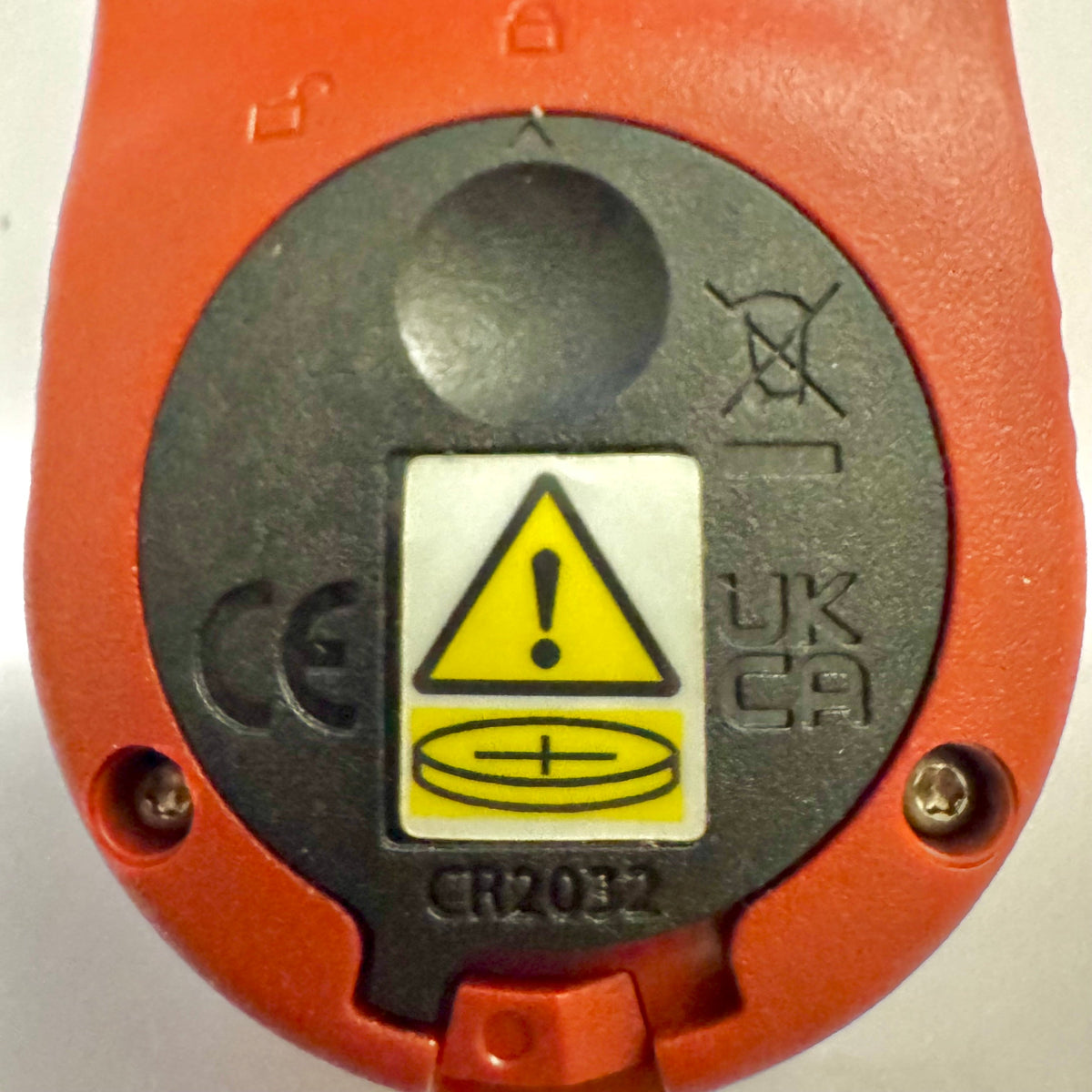
Kestrel Basic-mätare får en ny batterilucka för Reese’s Law
Om du nyligen har köpt en mätare i Kestrel Basic-serien kan du lägga märke till att batteriluckan ser annorlunda ut än på äldre Kestrel-modeller. Detta är en avsiktlig designändring för att uppfylla uppdaterade federala krav för produkter som använder knappcellsbatterier.
Läs merom Kestrel Basic-mätare får en ny batterilucka för Reese’s Law
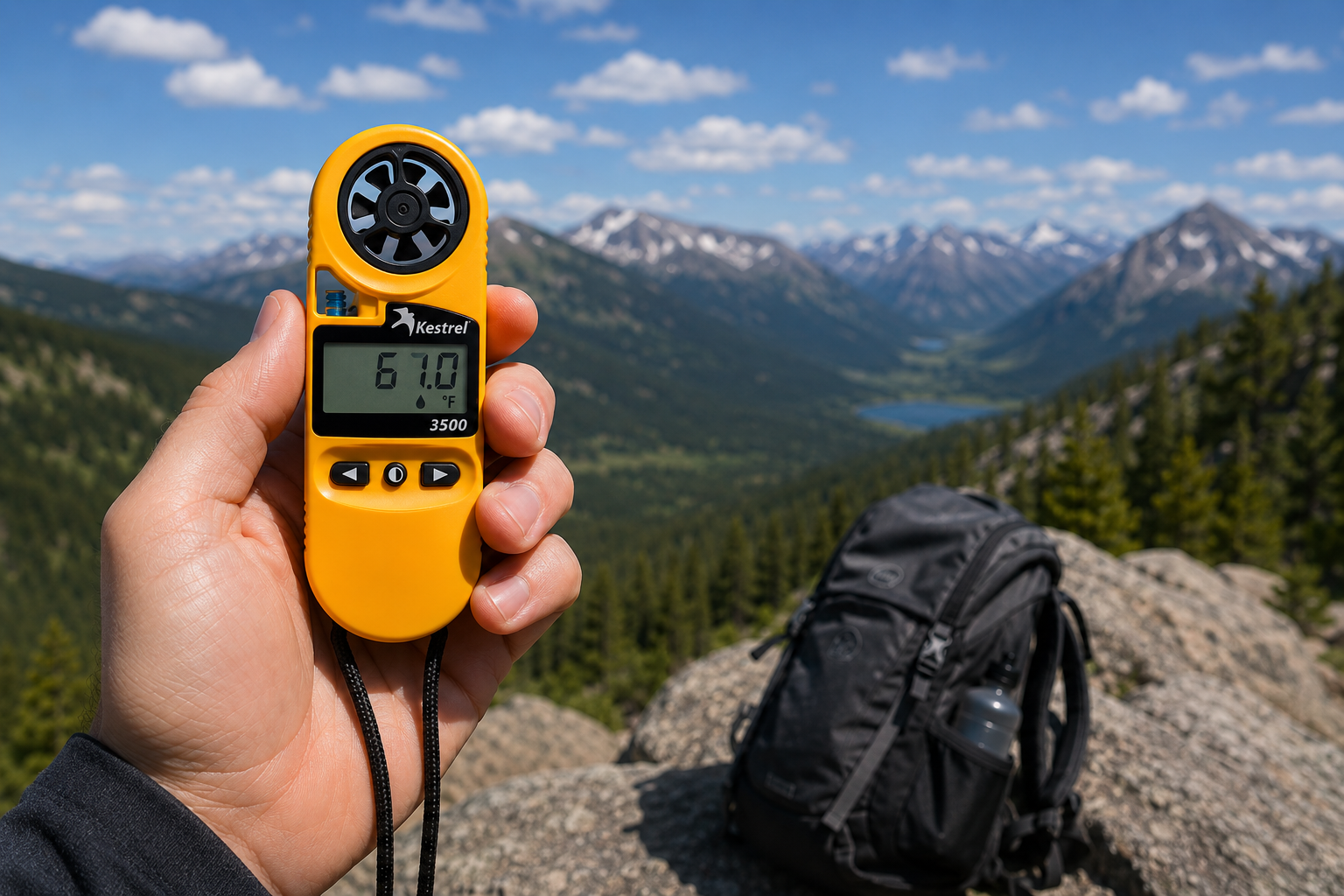
Kestrel 3500 Pocket-vädermätare: det fältklara verktyget du har letat efter
Kestrel 3500 Pocket Weather Meter mäter vindhastighet, temperatur, luftfuktighet, lufttryck, värmestress och vindavkylning i ett robust, vattentätt instrument tillverkat i USA. Här är varför det hör hemma i din fältutrustning.
Läs merom Kestrel 3500 Pocket-vädermätare: det fältklara verktyget du har letat efter
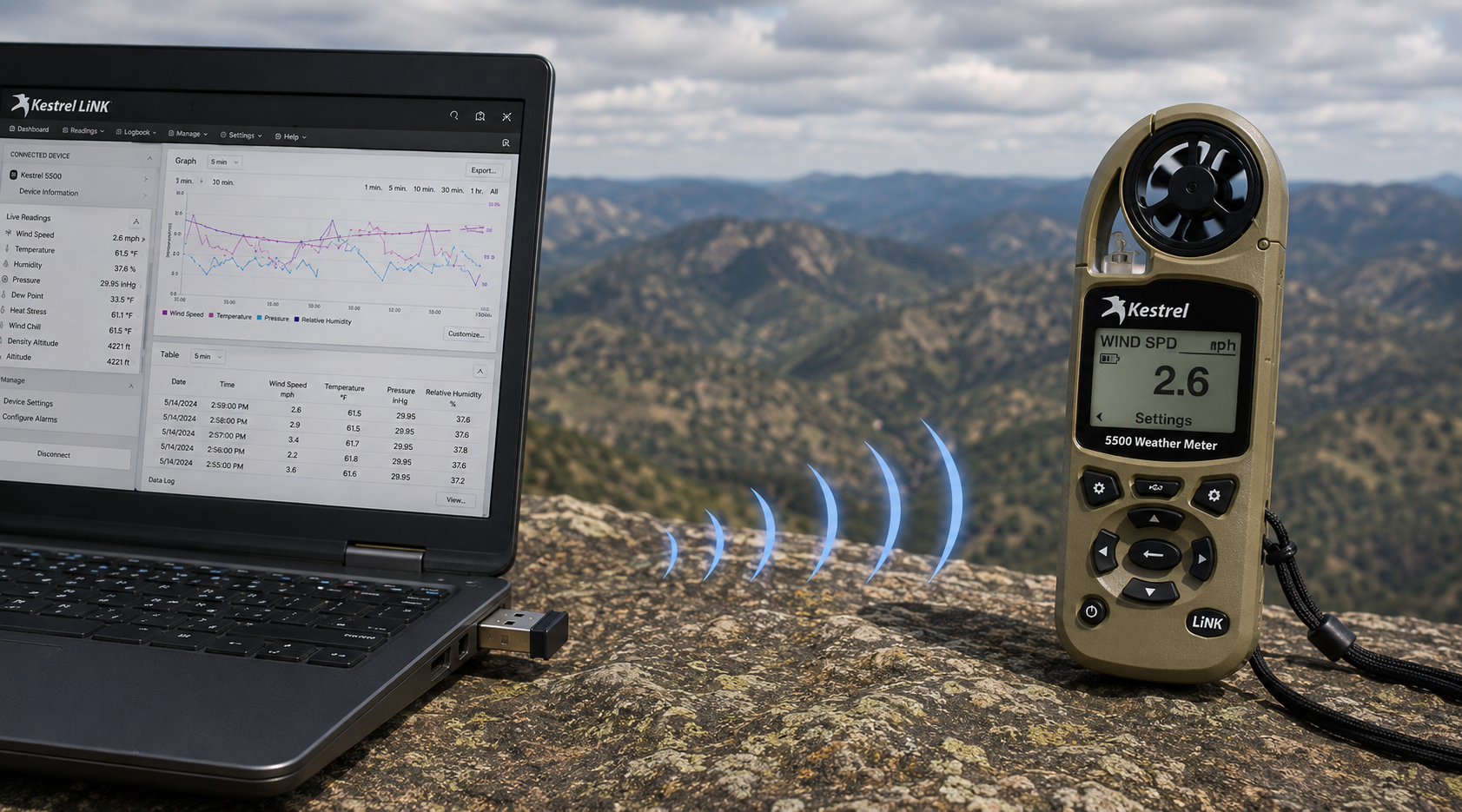
Kestrel LiNK trådlös USB-dongel – vad den gör och när du behöver den
Kestrel LiNK Wireless USB-dongeln möjliggör trådlös dataöverföring och uppdateringar av fast programvara mellan Kestrel LiNK-mätare i 5-serien och din Windows-dator eller Mac. Ta reda på vad den gör, vem som behöver den och hur den passar in i ditt arbetsflöde för fältdata.
Läs merom Kestrel LiNK trådlös USB-dongel – vad den gör och när du behöver den
Dela:
Team från Adobe Bluffs Elementary School använder en Kestrel 4500 för att vinna Lego League Global Challenge
Förstå tryck, höjd och densitetshöjd
9 kommentarer
Hi Walter,
You need to download the Kestrel LiNK Ballistics App on your iPhone or iPad for the the meter to make the connection. Open and connect through the app once it is installed. Just be sure you have Bluetooth turned on with your iPad and iPhone. You can also use the Kestrel LiNK app for iPhone / Pad but that app is just for environmental info so your meter can double as a portable weather station.
Kestrel LiNK Ballistics App: https://itunes.apple.com/us/app/kestrel-link-ballistics/id1059522399?mt=8
Kestrel LiNK App: https://itunes.apple.com/us/app/kestrel-link/id698732837?mt=8
Hi, I am having trouble getting my Kestrel Elite with Bluetooth LiNK to connect to my iPhone and iPad. Can you help?
Hi Jim,
Sorry your Horus will always be a Horus. Same for the Applied Ballistics. The meters are internally different and cannot be reprogrammed with different ballistics software though they can be upgraded to different versions of their own software.
I have a Kestrel 4500 with the Horus ballistic program with blue tooth. Can I have Kestrel reprogrammed to Applied Ballistics for a fee ?
Michael, You should be able to Pin to the Taskbar. I just did it with Kestrel Communicator on Windows 8.1. For the Gunloader, make sure the you are trying to pin the actual application file (.exe) file to the taskbar instead of a shortcut. Some people try and pin the shortcut to the taskbar and this is what doesn’t work. Thanks!