

- por Mike M
Preguntas sobre los medidores balísticos Kestrel
- por Mike M
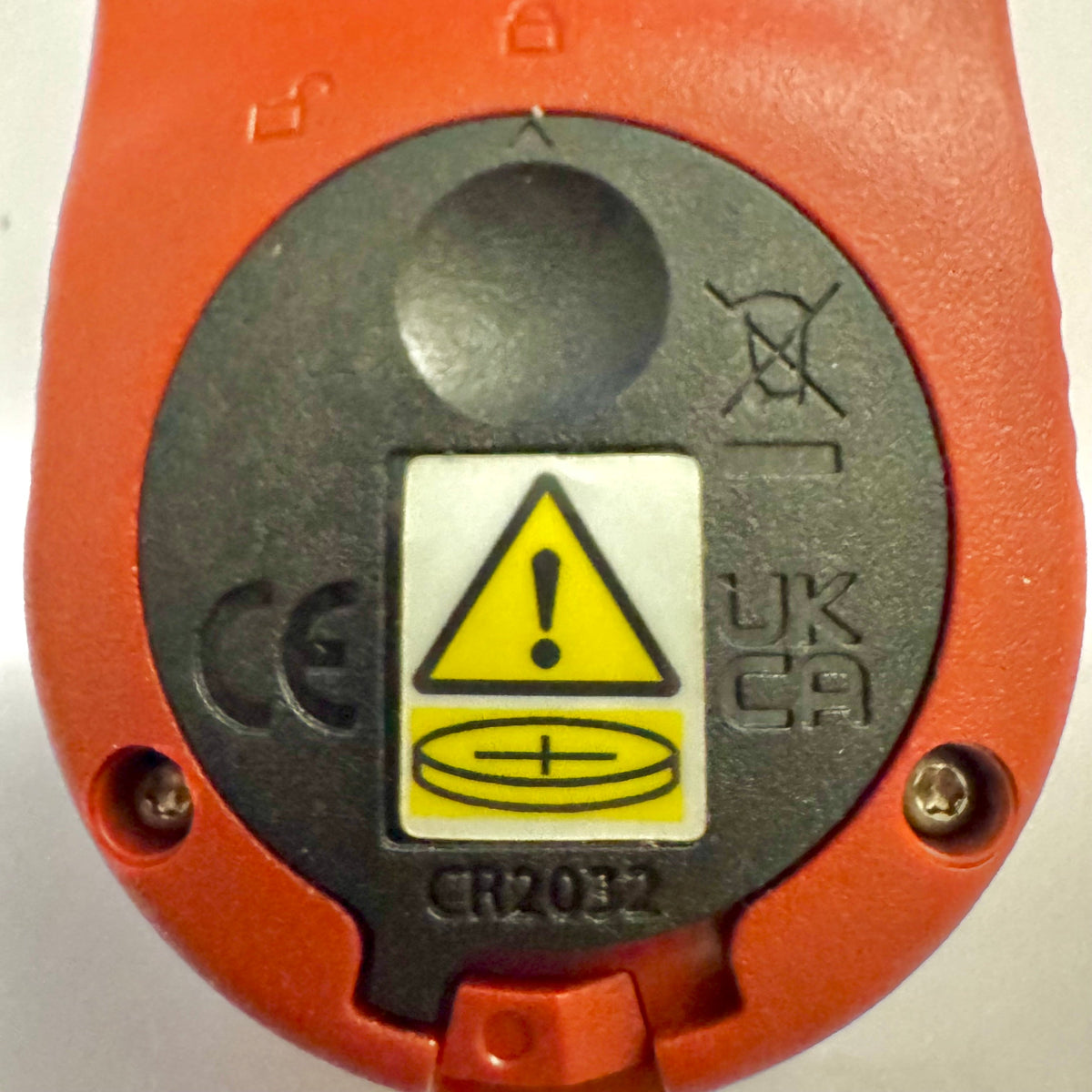
Los medidores básicos Kestrel incorporan una nueva tapa de batería para cumplir con la Ley de Reese
Si has comprado recientemente un medidor Kestrel Basic Series, es posible que notes que la tapa de la batería tiene un aspecto diferente al de los modelos Kestrel antiguos. Este es un cambio de diseño intencionado para cumplir con los requisitos federales actualizados para productos que utilizan pilas de botón.
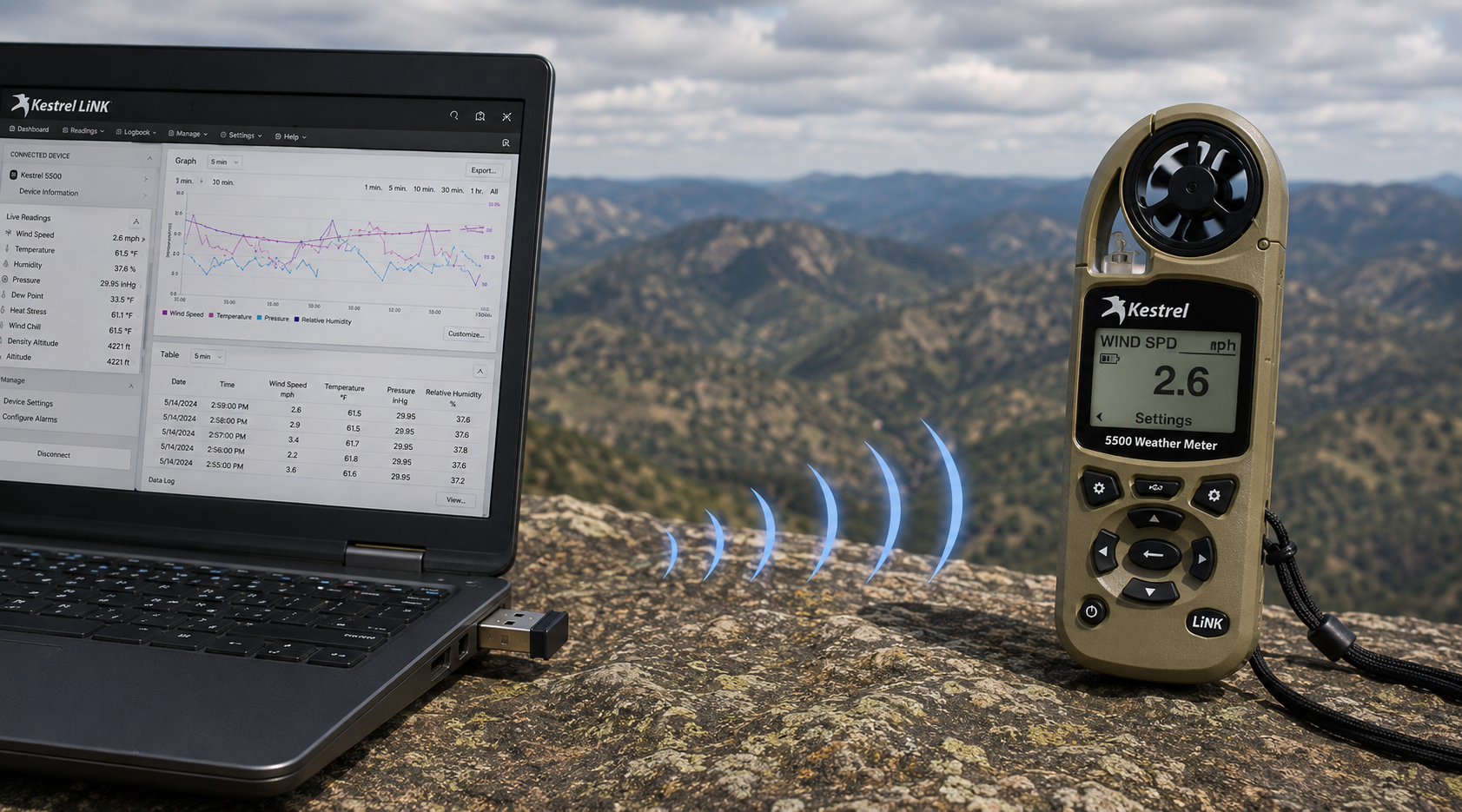
Adaptador USB inalámbrico Kestrel LiNK: qué hace y cuándo lo necesitas
Leer másacerca de Adaptador USB inalámbrico Kestrel LiNK: qué hace y cuándo lo necesitas
Compartir:
El equipo de la escuela primaria Adobe Bluffs utiliza un Kestrel 4500 para ganar el Desafío Global de la Liga Lego
Comprender la presión, la altitud y la altitud de densidad
9 comentarios
Hi Walter,
You need to download the Kestrel LiNK Ballistics App on your iPhone or iPad for the the meter to make the connection. Open and connect through the app once it is installed. Just be sure you have Bluetooth turned on with your iPad and iPhone. You can also use the Kestrel LiNK app for iPhone / Pad but that app is just for environmental info so your meter can double as a portable weather station.
Kestrel LiNK Ballistics App: https://itunes.apple.com/us/app/kestrel-link-ballistics/id1059522399?mt=8
Kestrel LiNK App: https://itunes.apple.com/us/app/kestrel-link/id698732837?mt=8
Hi, I am having trouble getting my Kestrel Elite with Bluetooth LiNK to connect to my iPhone and iPad. Can you help?
Hi Jim,
Sorry your Horus will always be a Horus. Same for the Applied Ballistics. The meters are internally different and cannot be reprogrammed with different ballistics software though they can be upgraded to different versions of their own software.
I have a Kestrel 4500 with the Horus ballistic program with blue tooth. Can I have Kestrel reprogrammed to Applied Ballistics for a fee ?
Michael, You should be able to Pin to the Taskbar. I just did it with Kestrel Communicator on Windows 8.1. For the Gunloader, make sure the you are trying to pin the actual application file (.exe) file to the taskbar instead of a shortcut. Some people try and pin the shortcut to the taskbar and this is what doesn’t work. Thanks!